How to Create Seamless Patterns with AI (Beginner Tutorial)

In this tutorial, we are going to cover the basics of how to create patterns with Patterned AI. Before we start, let's quickly cover what a seamless pattern actually is.
A seamless pattern is a design that can repeat endlessly in every direction without showing any visible edges or breaks. Think of wallpaper, fabric prints, gift wrap, or clothing patterns. The individual tile repeats over and over, but the viewer never notices where one tile ends and the next begins.
This seamless repetition is what makes patterns look professional and scalable across products of any size. The challenge is making sure all edges connect perfectly; that's where AI can save a lot of time.
STEP 1: GENERATE A PATTERN FROM TEXT
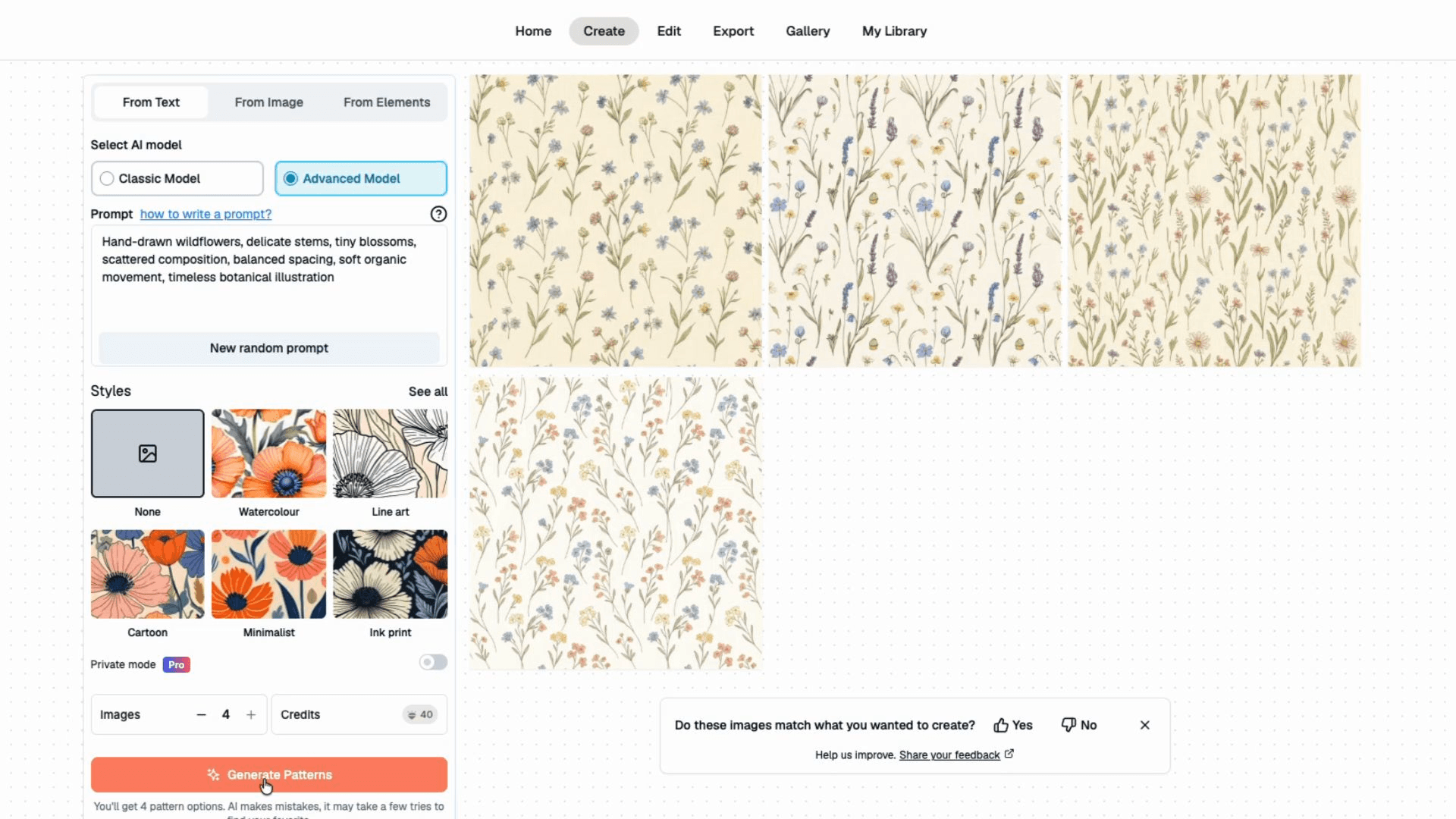
The fastest way to create a pattern is with the Create From Text tool.
All we need to do is describe what we want.
For example:
"Hand-drawn wildflowers, delicate stems, tiny blossoms, scattered composition, balanced spacing, soft organic movement, timeless botanical illustration"
The more specific your description, the more control you'll have over the result.
You can mention:
Objects or motifs, Art style, Layout style, Colors, and Target aesthetic.
Let's generate a few variations.
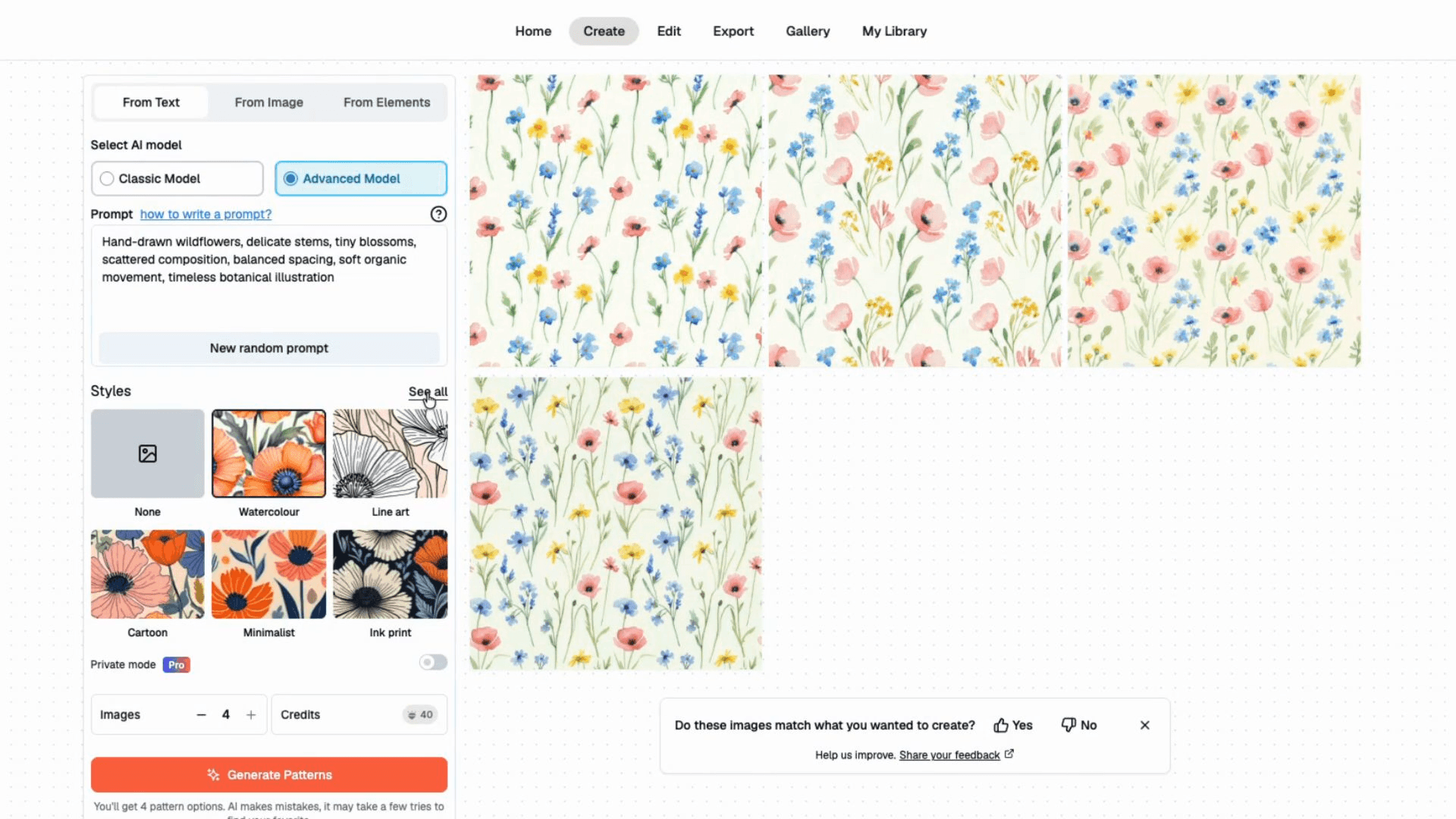
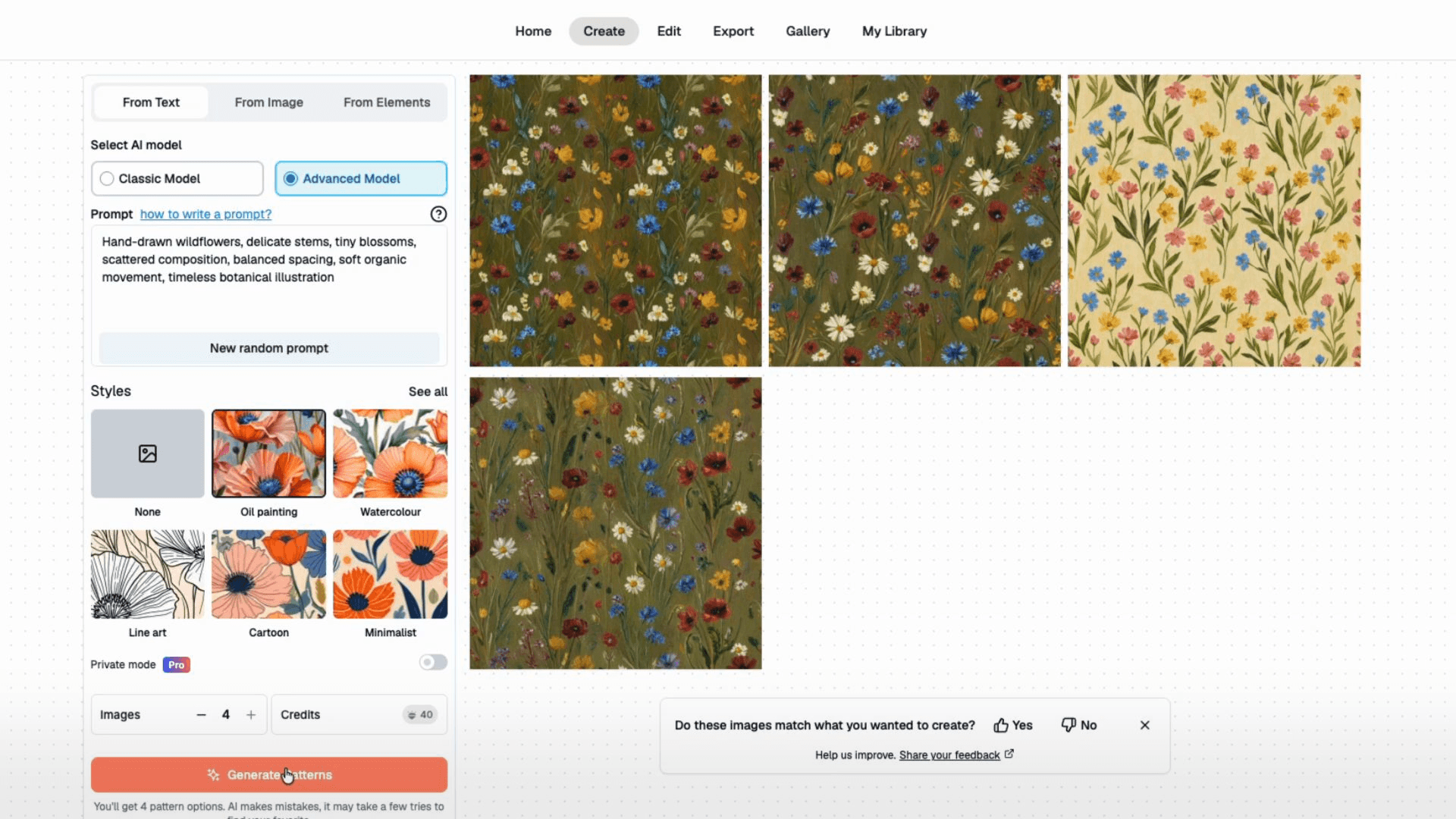
Each version follows the same general idea but interprets the prompt differently. This gives us several starting points to choose from.
STEP 2: EVALUATE THE REPEAT
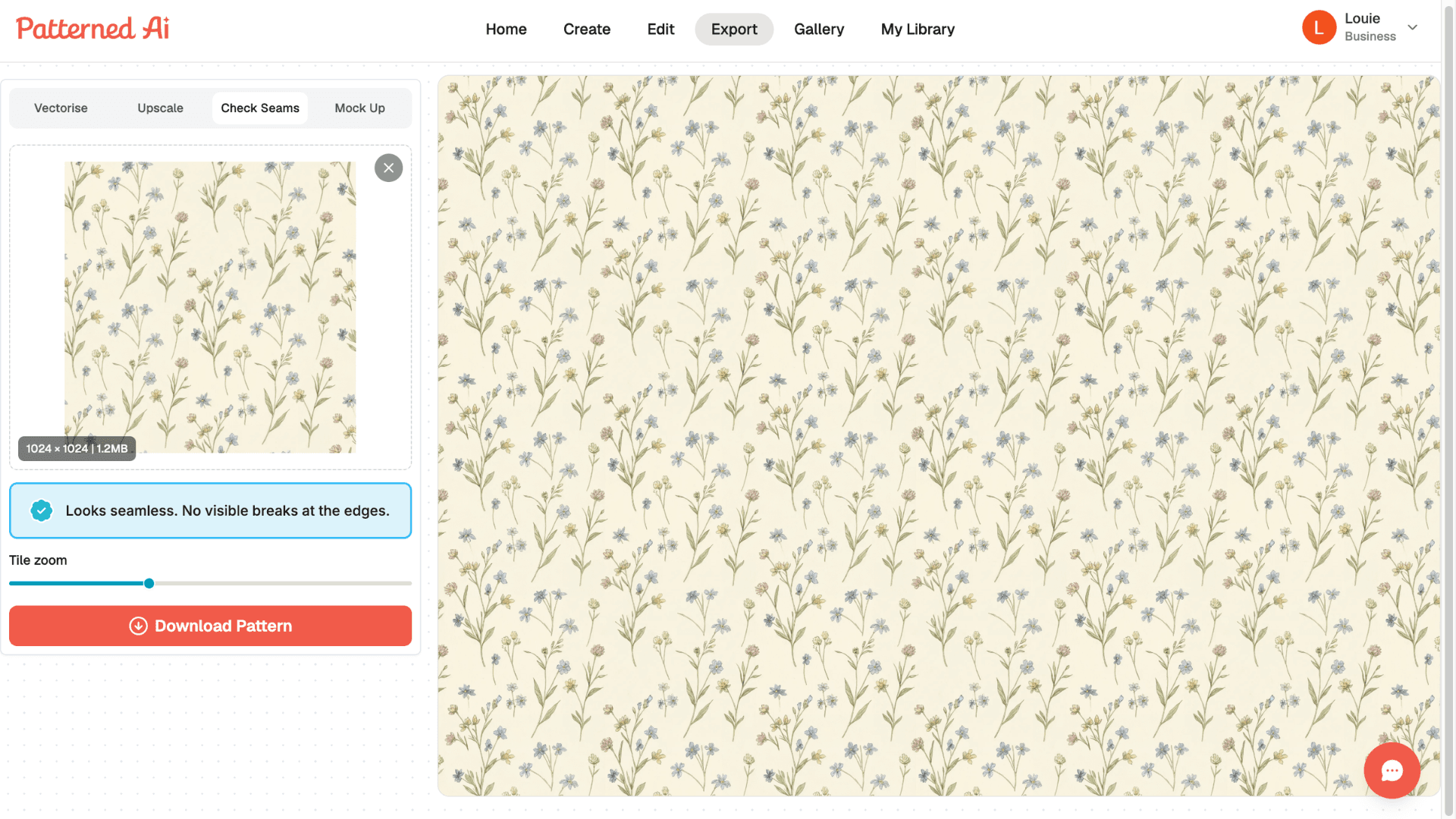
When choosing a pattern, don't just focus on the artwork itself. Pay attention to how the elements are distributed throughout the design.
A good repeating pattern usually has:
- Balanced spacing
- Consistent visual flow
- No large empty gaps
- No overly crowded areas
- You want the design to feel natural when repeated multiple times.
- Patterns with a good balance tend to work better across a wider range of products.
STEP 3: CREATE VARIATIONS
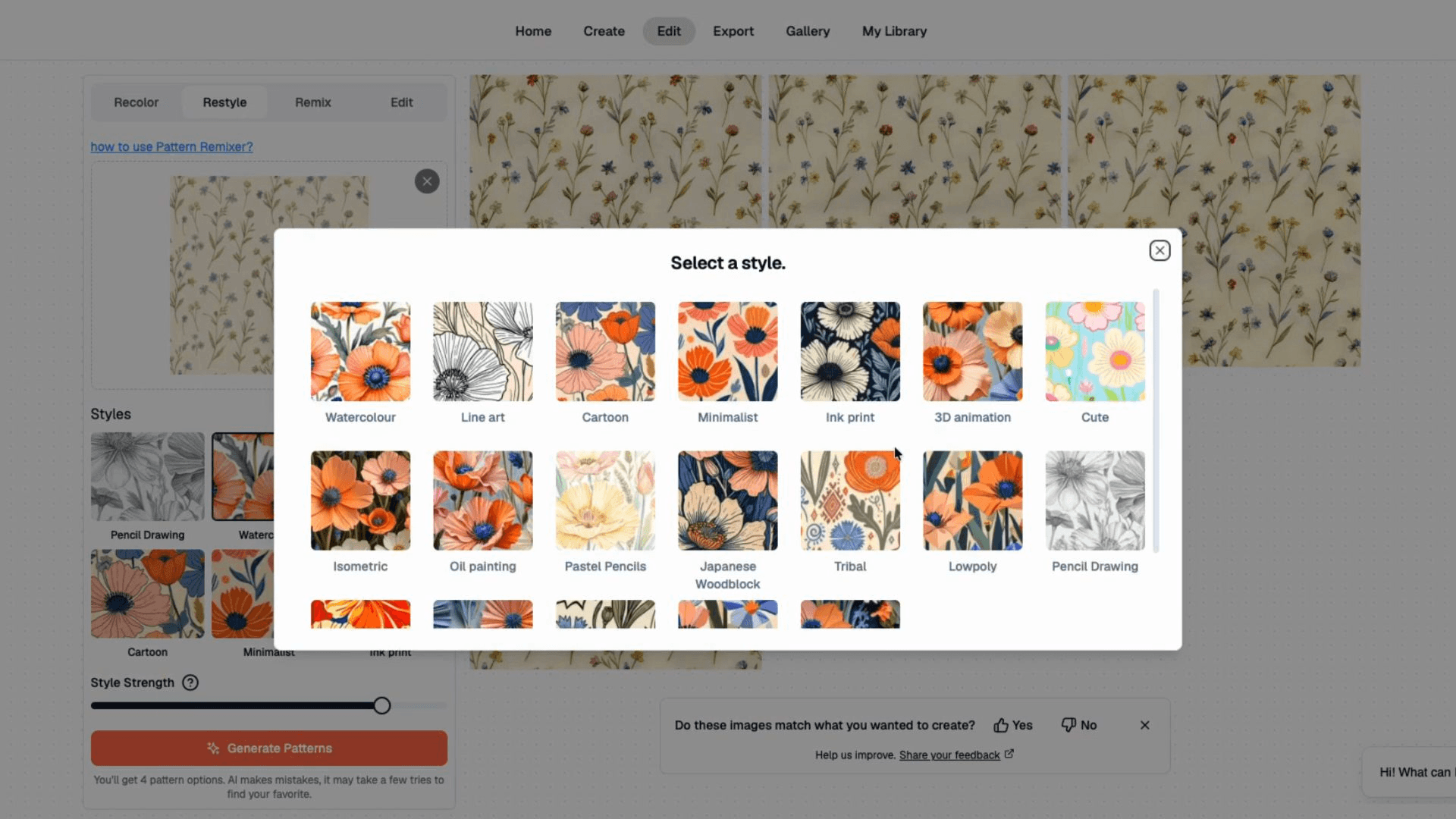
To create variations, first we're going to use the Restyle tool.
Instead of starting over from scratch, you can take an existing pattern and generate new variations from it. This is incredibly useful when building a collection.
For example, we can keep the overall theme but explore different artistic styles such as watercolor, pastel pencils, cartoon, minimalist, and many more from the style library.
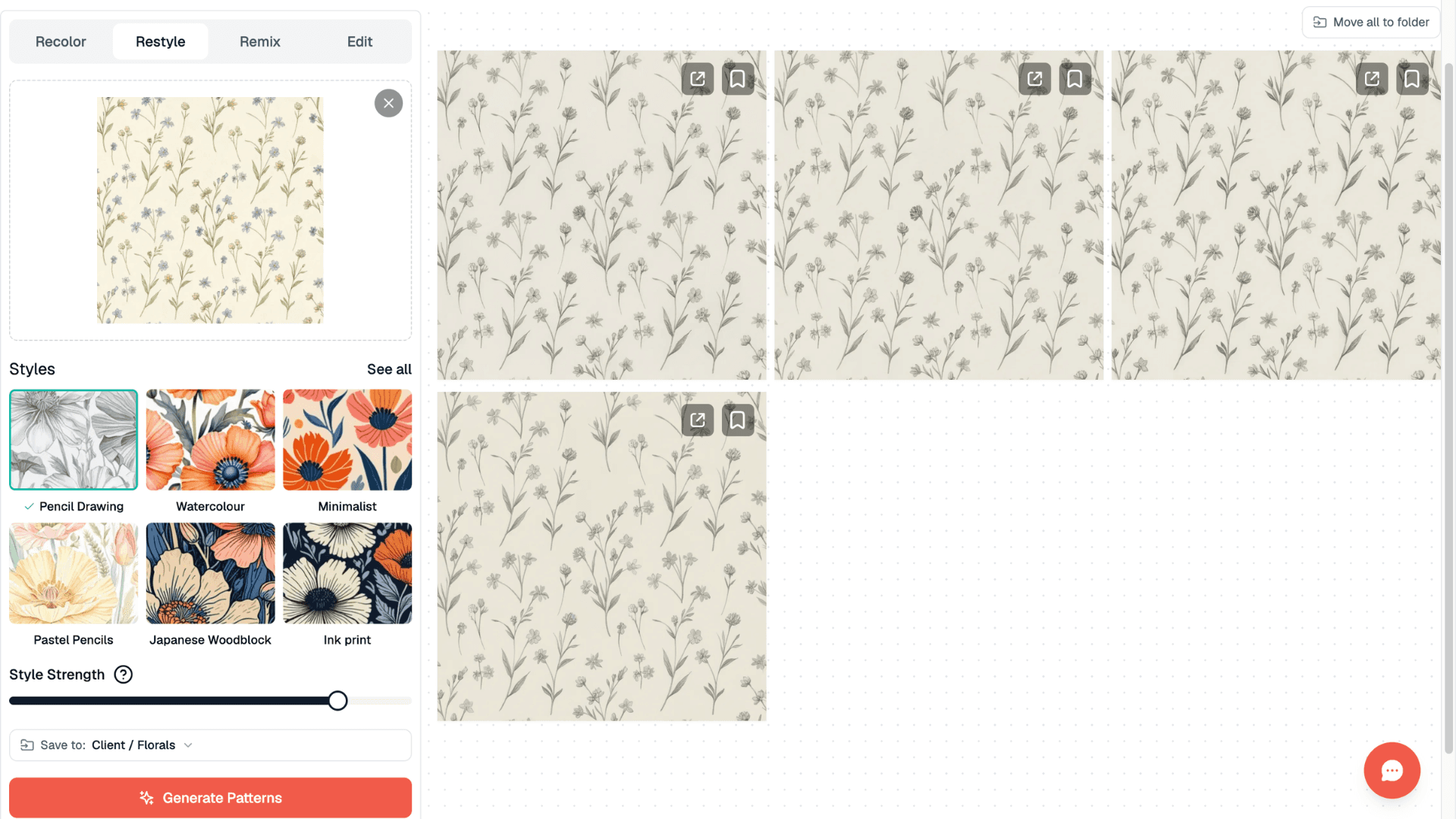
This allows you to quickly develop multiple options while maintaining a cohesive design direction. Many professional collections use several coordinating patterns rather than a single standalone design.
STEP 4: RECOLOR THE PATTERN
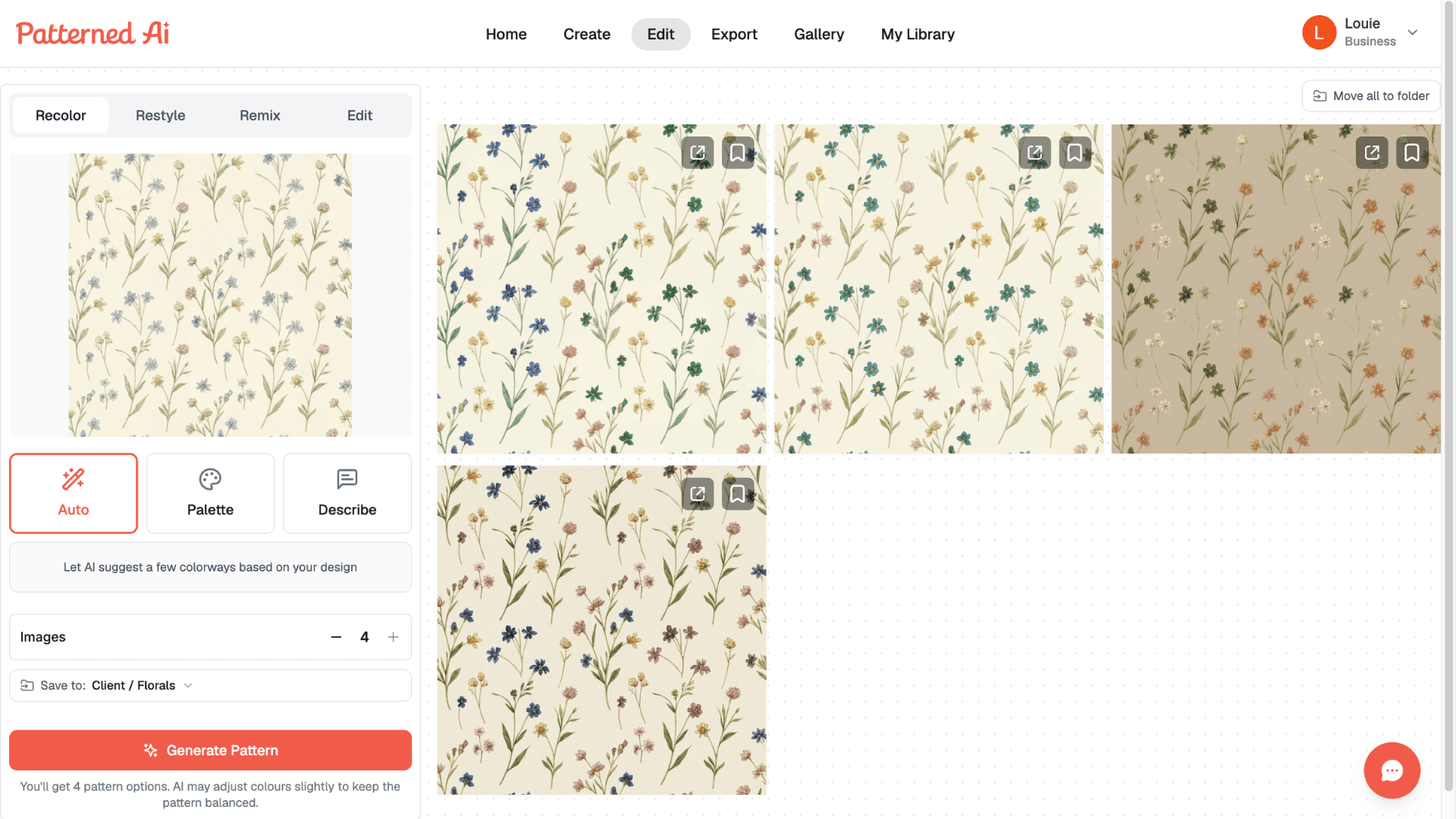
Once you're happy with a design, the next step is creating color variations with Recolor.
Different products often require different color palettes. A pattern that works for children's products may need softer tones, while home decor products might benefit from more sophisticated palettes.
Instead of redesigning everything, we can simply recolor the pattern. The Recolor tool allows you to instantly have multiple colorways from the same design.
This is one of the fastest ways to expand a pattern collection.
STEP 5: EXPORT YOUR PATTERN
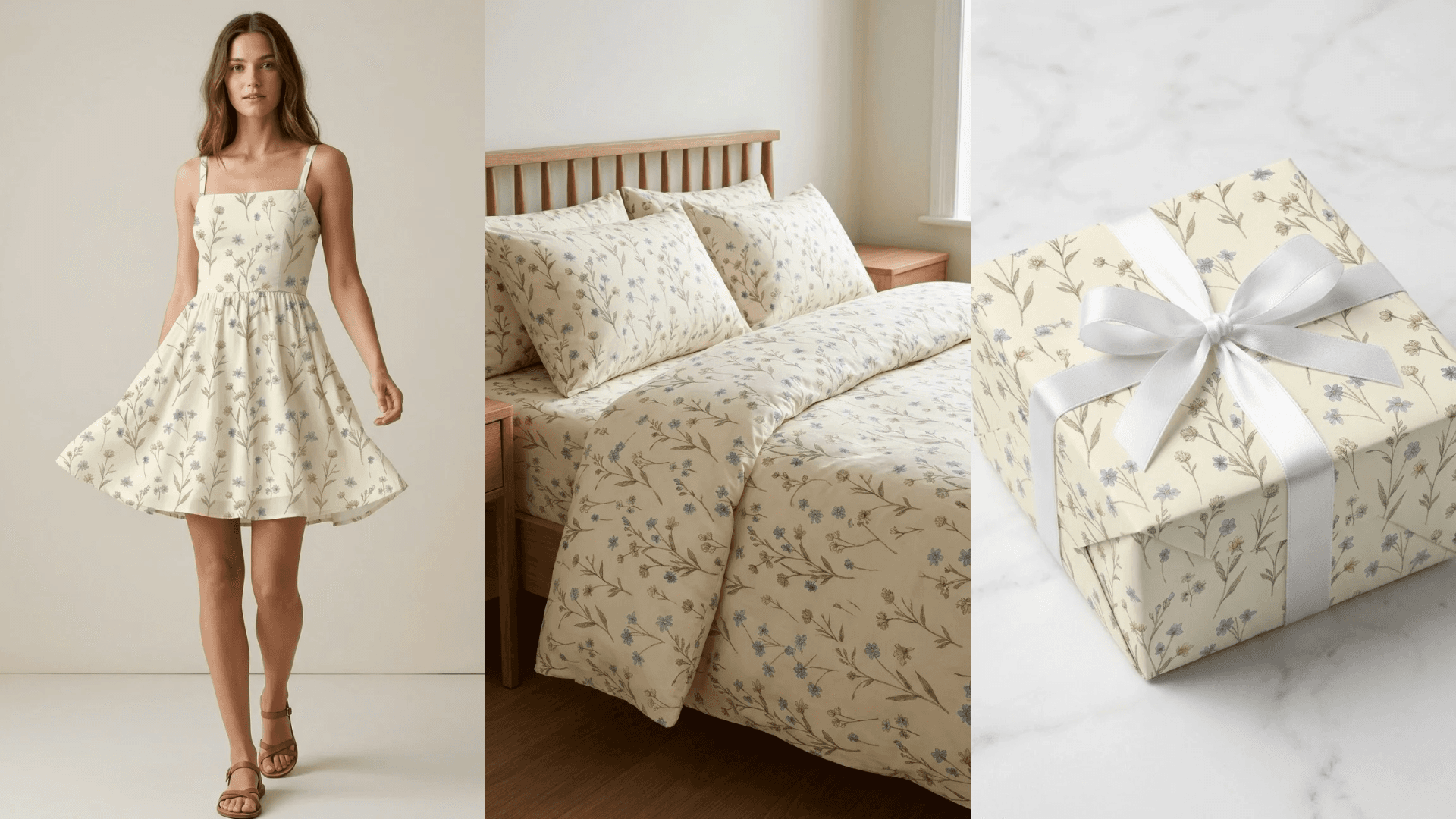
Once everything looks good, simply export your pattern.
You now have a seamless repeating design that can be used across a wide variety of creative projects.
Whether you're creating products for your own brand, designing fabric, or building a print-on-demand business, the workflow is essentially the same.
Conclusion
And that's how you can create seamless patterns with AI from start to finish.
What used to take hours of manual pattern construction can now be done in minutes, allowing you to spend more time exploring ideas and building collections.