AI Pattern Generator from Text
Create Seamless Patterns from Any Idea Automatically
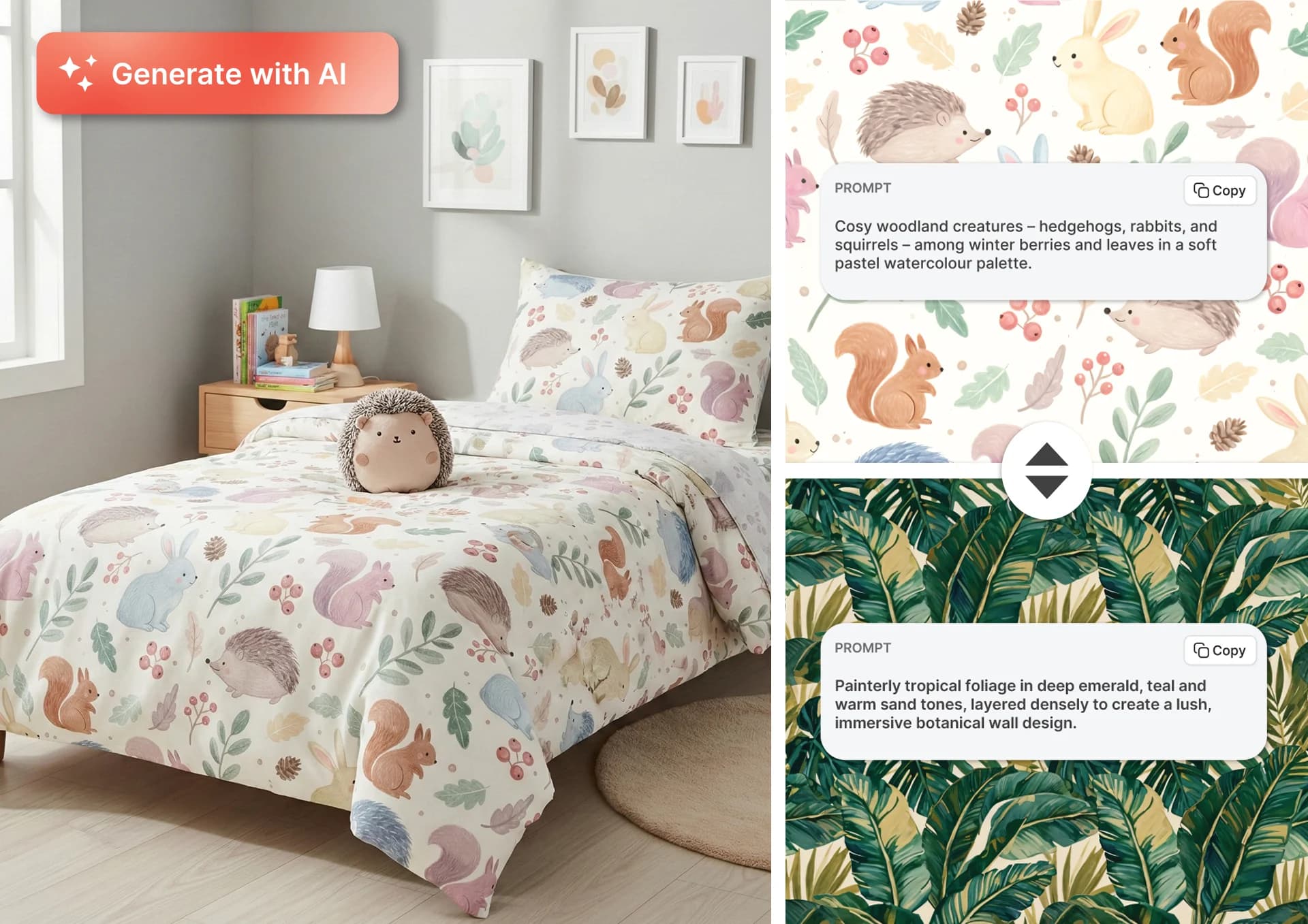
An AI pattern generator creates repeat patterns from a text description. Instead of drawing individual motifs, arranging them into a repeat, and testing the tile manually, you describe the subject, style, colours, and layout you want, and AI generates a seamless pattern based on your prompt.
Turn any idea into a unique seamless repeat with PatternedAI. Describe the pattern you want – from watercolor florals and geometric prints to playful conversationals and abstract textures – and generate repeating designs ready for fashion, textiles, wallpaper, packaging, stationery, and digital products.
How to Generate a Pattern
Describe your pattern idea
Enter a prompt such as watercolour blue wildflowers scattered across warm ivory or retro geometric arches in terracotta and cream.
Choose a model and style
Use the Classic Model for artistic, painterly patterns or the Advanced Model for more precise layouts, objects, geometry and colour direction.
AI generates a seamless repeat
Your prompt is transformed into a tileable surface pattern designed to repeat continuously across a larger area.
Choose the Right AI Model
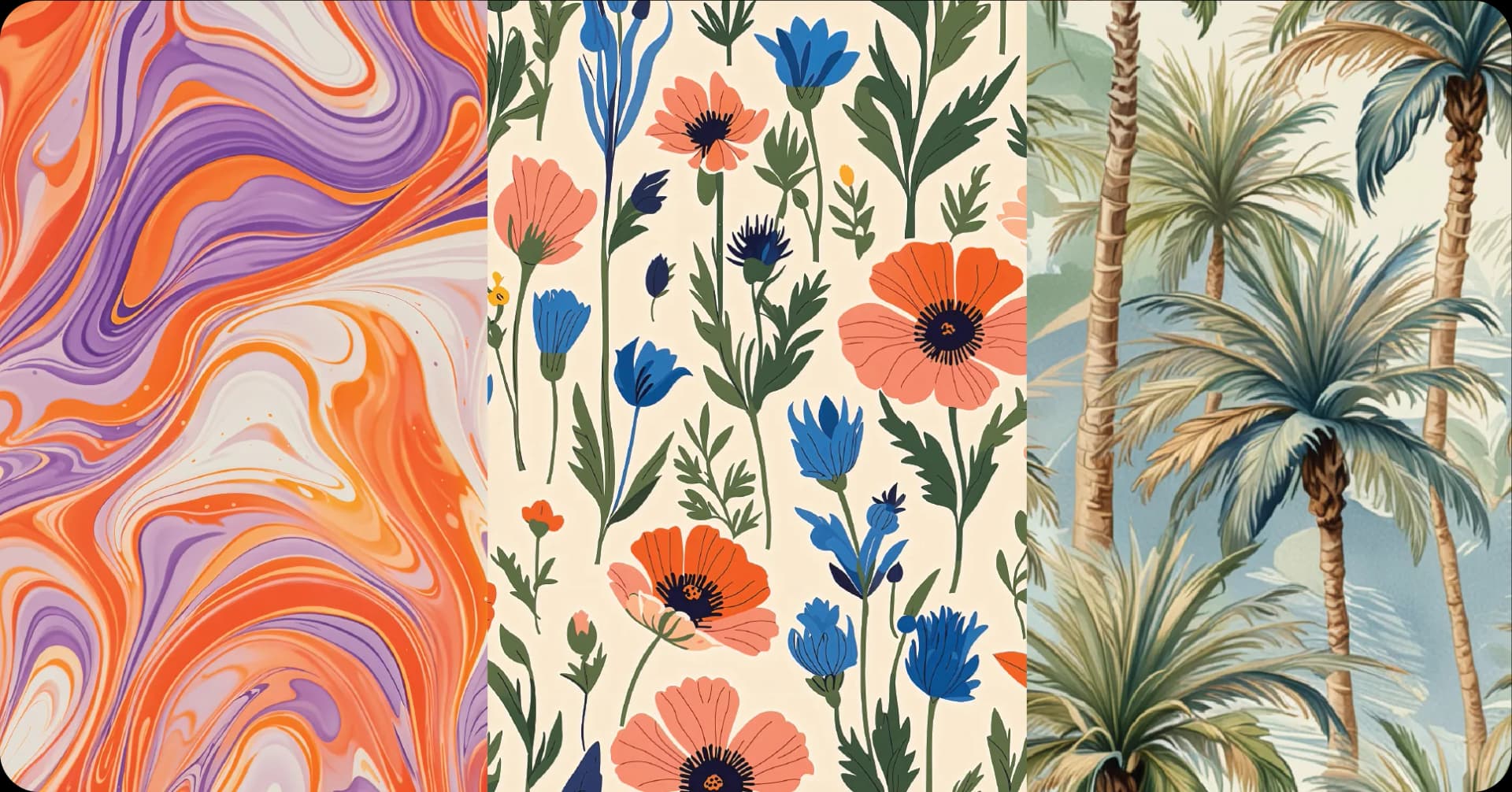
Classic Model
Best for expressive, organic and painterly results such as florals, botanicals, abstract textures and watercolour designs. Ideal when you want soft, flowing compositions with a more abstract or artistic feel.
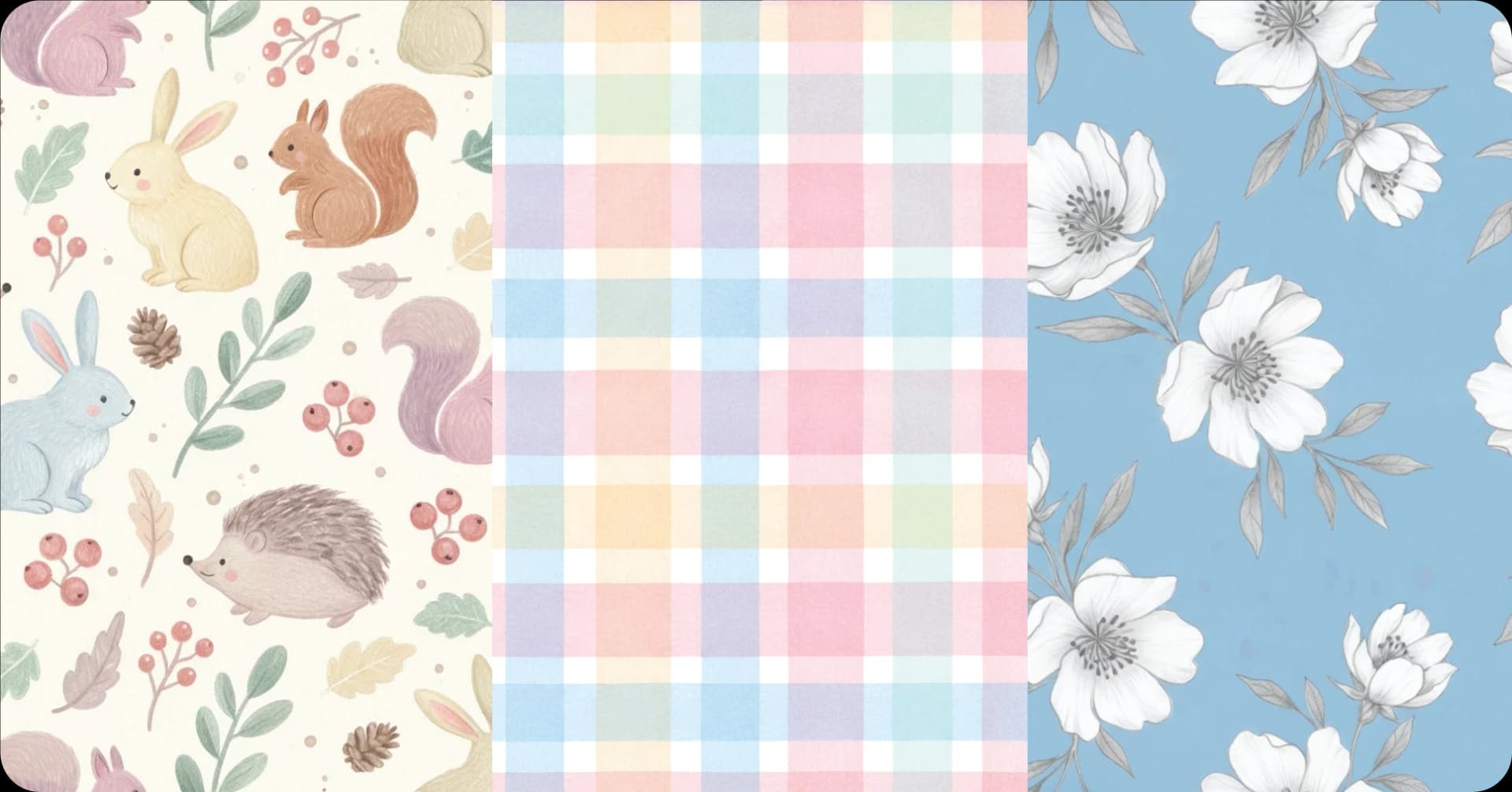
Advanced Model
Best for patterns that require more specific direction and precise control, including geometric and ethnic designs, conversational prints, animal textures, and recognisable objects. Ideal for defined layouts, controlled spacing, specific colour instructions and patterns that include short text elements.
Choose Your Pattern Style
Choose a preset style, such as Watercolour, Line Art, Japanese Woodblock, Papercut, Pop Art or Pencil Drawing, to quickly shape the look of your pattern. Alternatively, describe the style directly in your prompt for more tailored creative direction, such as hand-painted gouache florals or vintage screen-printed geometrics. For the clearest results, use one approach at a time: either select a preset or describe the visual style in your prompt, so competing style instructions do not affect the result.
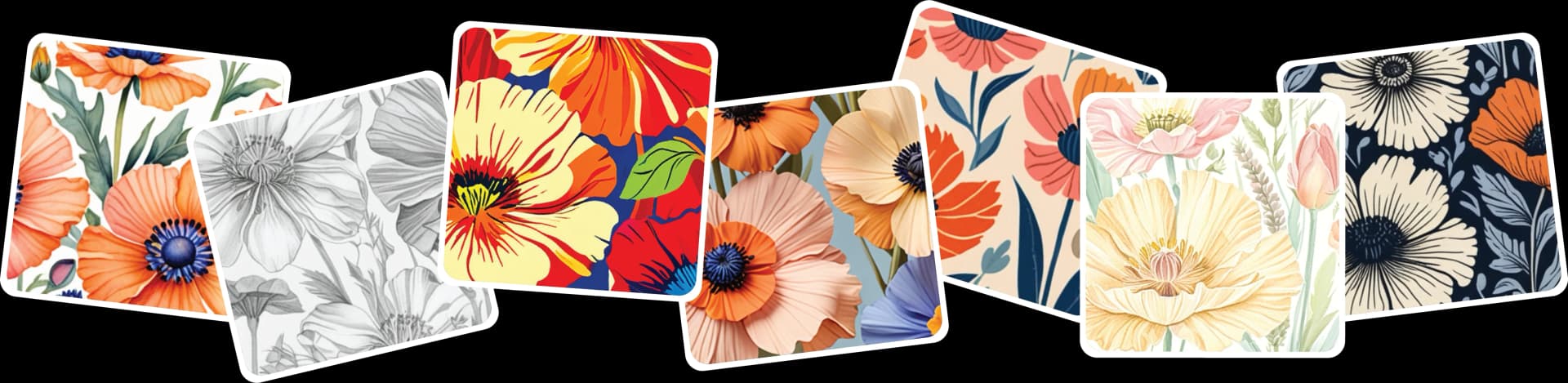
Ready to Generate Your Pattern?
Describe your idea and get a seamless, royalty-free pattern in seconds.
Generate Your Pattern!FAQ
Start by describing the main subject or elements you want in your pattern, for example, florals, geometric shapes, or animal prints. Then add details about the style, colour palette, and mood you'd like. Natural, descriptive language works best, no special formatting needed!
If you want even more control, think about:
- Colour scheme: soft pastels, bold contrasts, or earthy tones?
- Composition: do you want the elements close together or evenly spaced?
- Texture: flat and clean, or painterly and organic?
The more specific you are, the closer your results will match your vision.
Example prompts:
- "Vintage-inspired Hawaiian print with soft, faded palm fronds, delicate orchids, and subtle ocean waves, in muted beige, soft olive, and dusty peach."
- "Soft floral nursery pattern with tiny daisies, tulips, and leaves in blush pink, pale sage, buttercream yellow, and ivory. The flowers should be delicate and evenly scattered for baby bedding."
- "Woodland botanical pattern featuring mushrooms, moss, and forest plants drawn in graphite and softly tinted with earthy watercolor hues like umber, olive, and pale ochre. The composition should feel grounded and slightly whimsical."
Related Tools
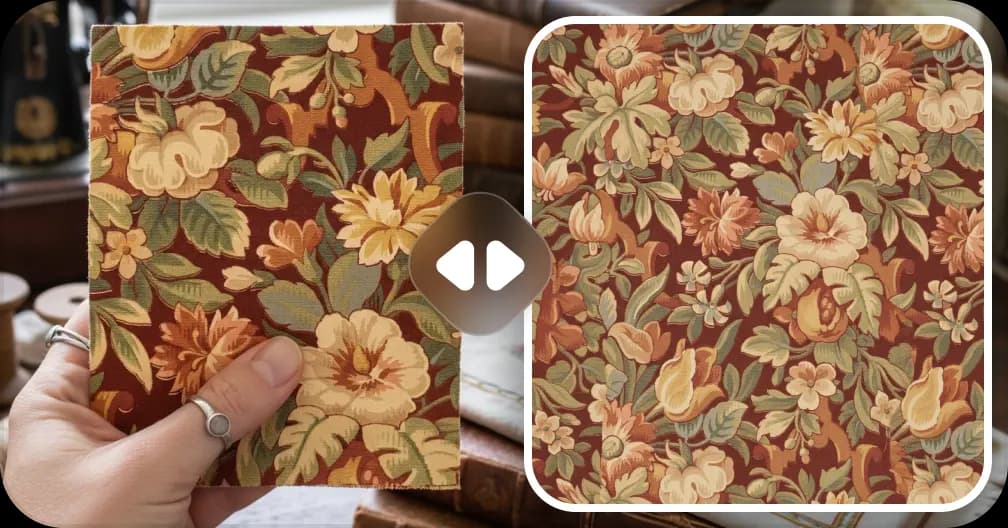
Extract Patterns from Images
Turn any fabric photo or sketch into a seamless repeat
Create a Pattern From Image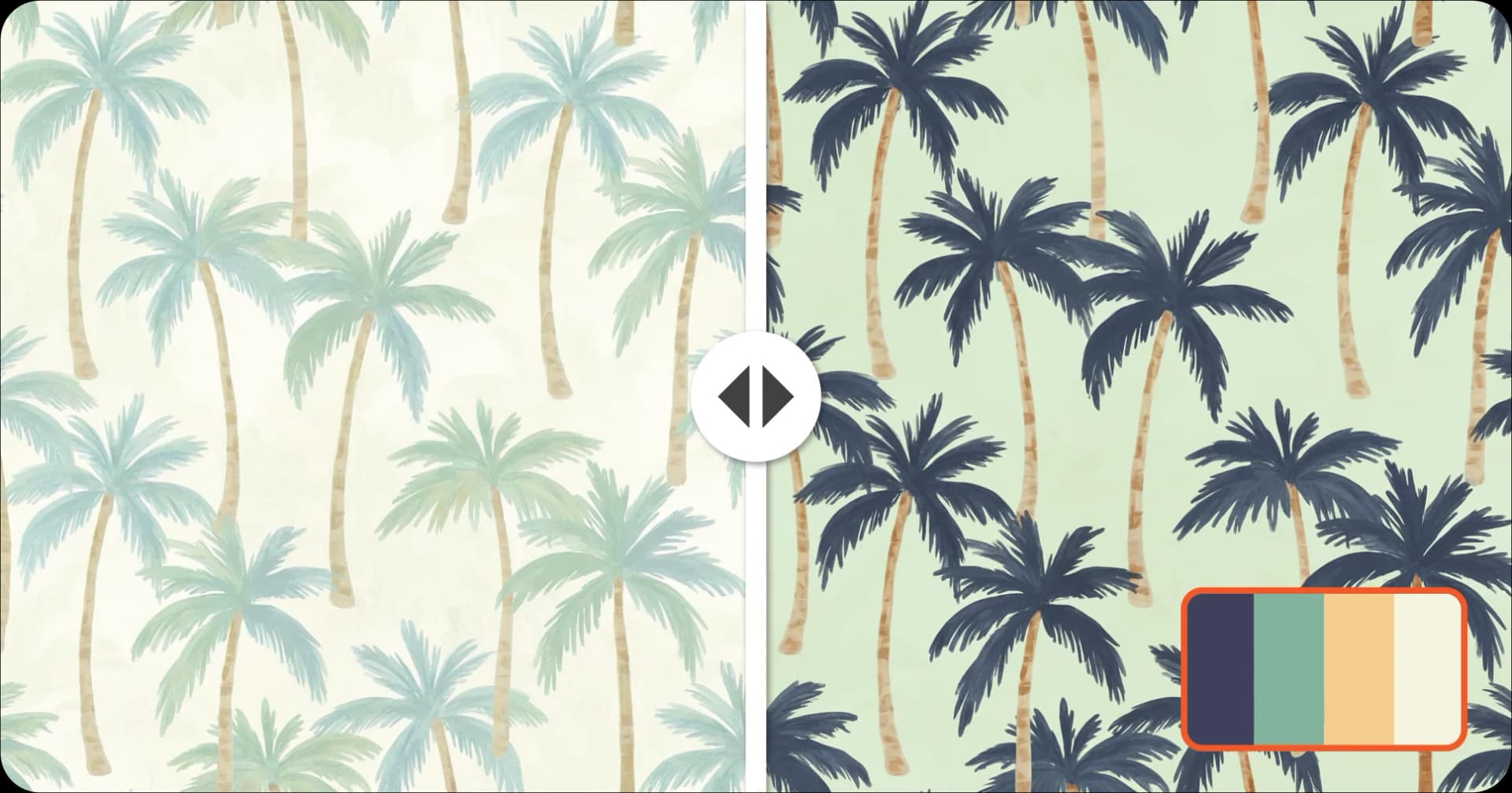
Recolor Your Pattern
Generate unlimited colorways for seasonal collections
Recolor a Pattern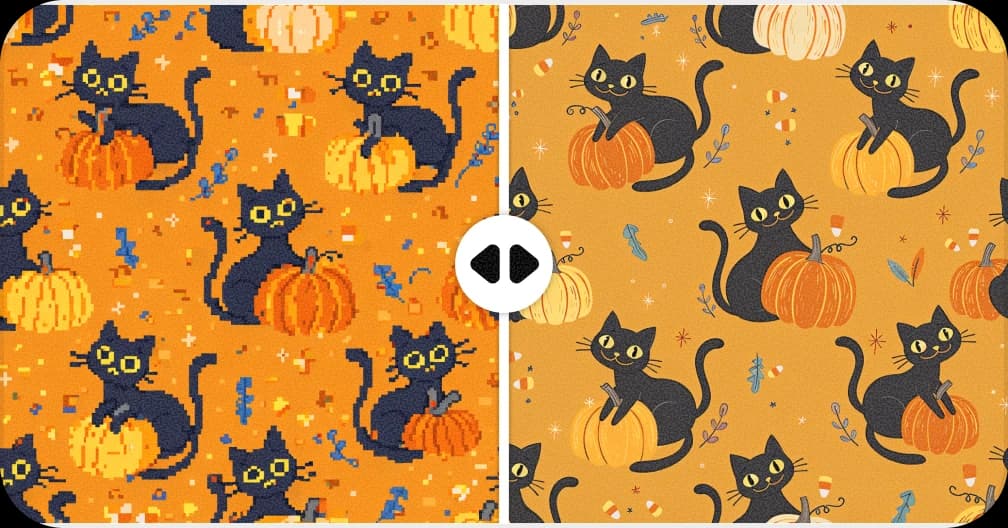
Upscale for Print
Increase resolution up to 8,200px for fabric and wallpaper production
Upscale a Pattern to 300 DPI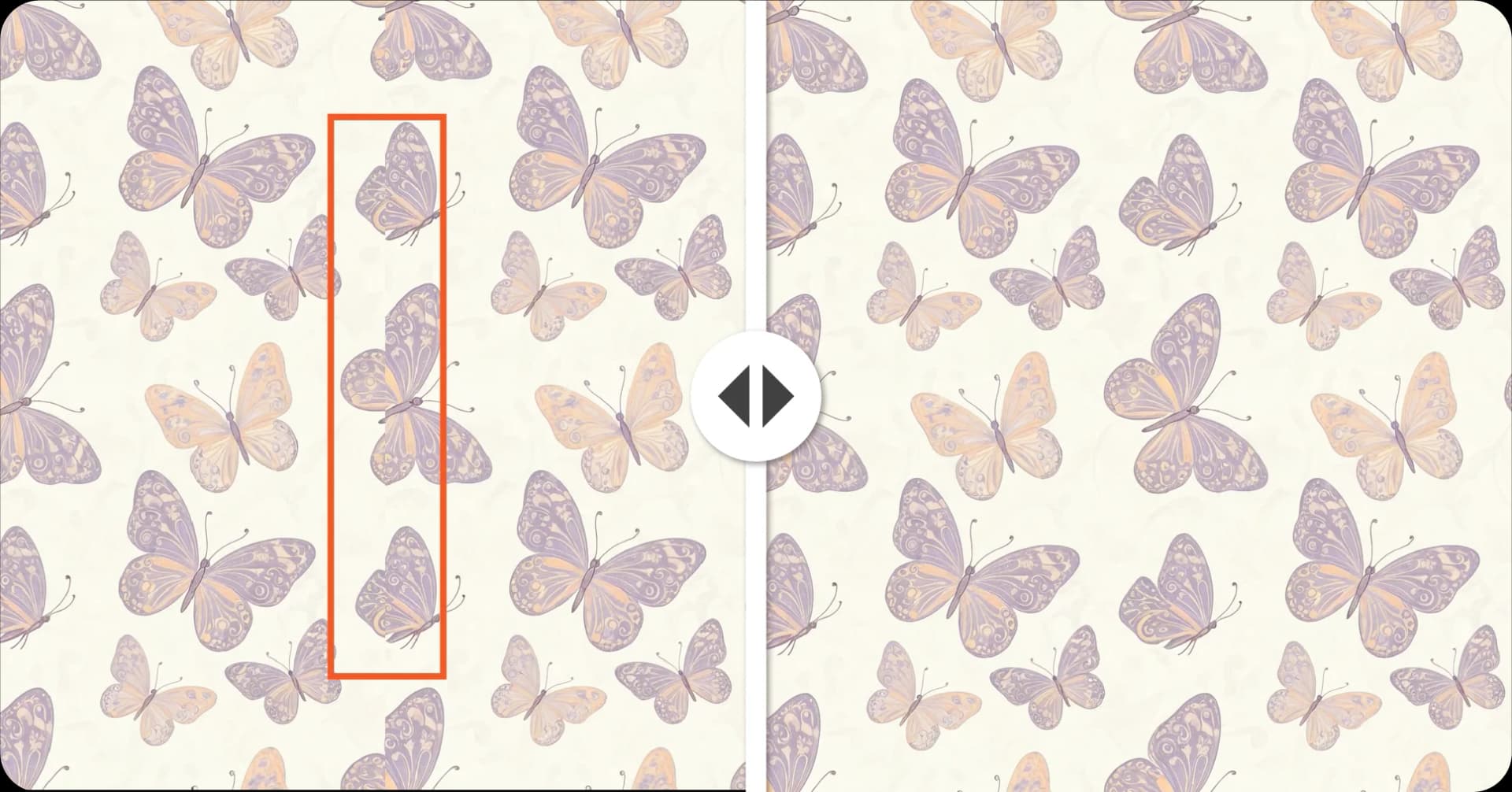
Fix Broken Repeats
Repair seams and misaligned edges automatically with AI
Fix a Pattern Repeat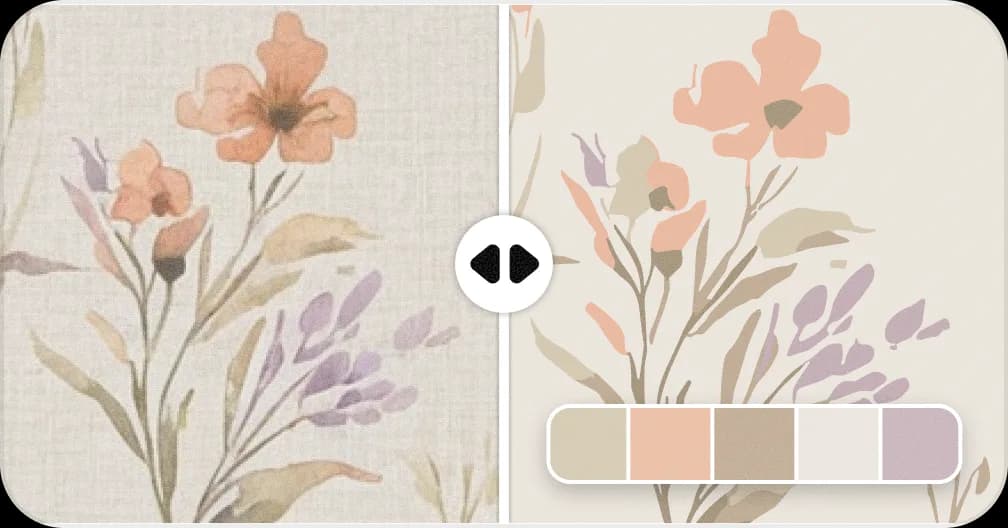
Convert Patterns to Vector
Convert to SVG with separated color layers for screen printing
Vectorise a Pattern