Upscale Seamless Patterns for Printing
Increase Resolution Without Breaking Seamless Repeats
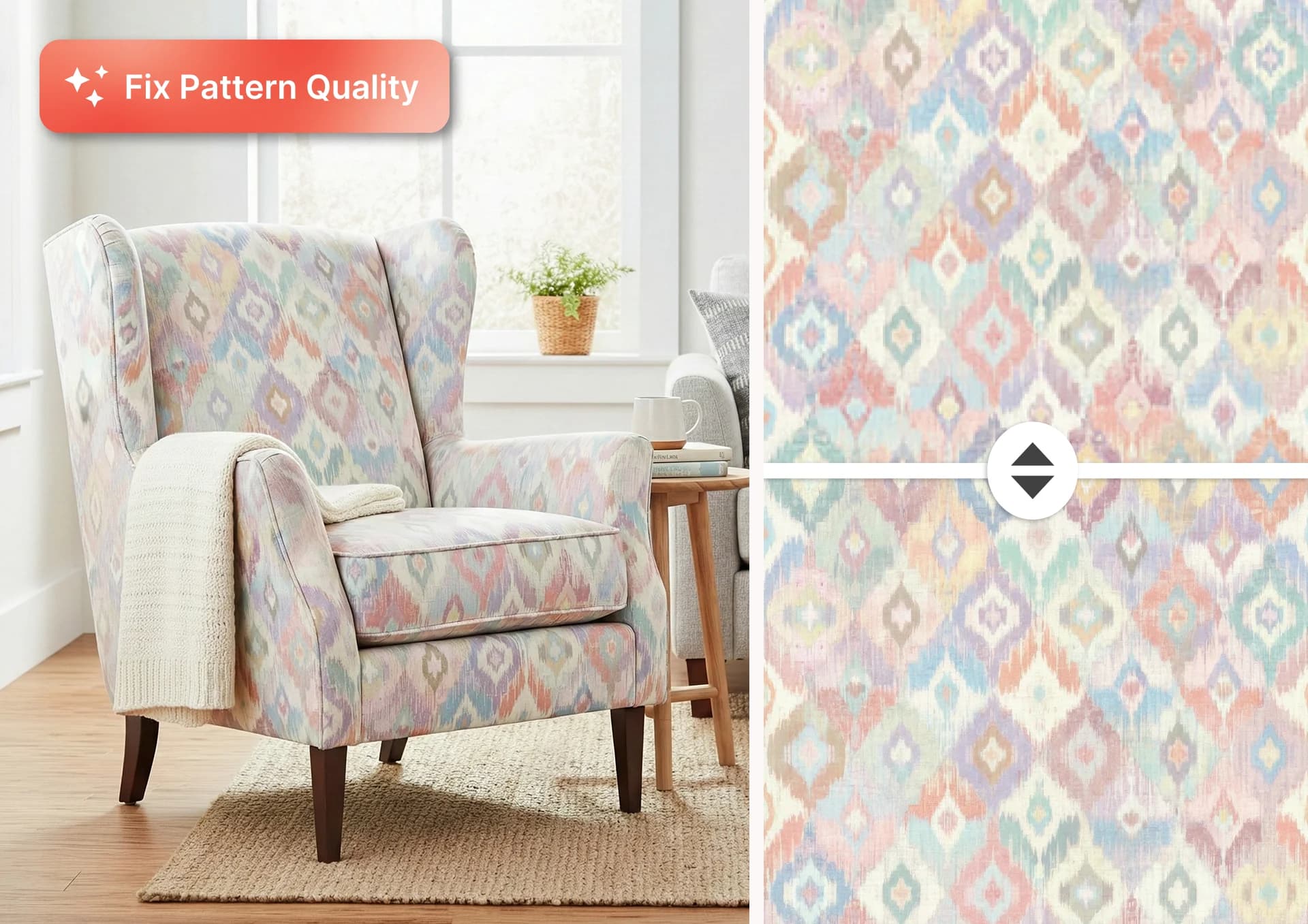
Our AI Pattern Upscaler helps you upscale seamless patterns for printing while preserving perfect repeat alignment and visual quality. Unlike generic image enlargers, which often break tile edges and create visible seams, PatternedAI is built specifically for surface designers who need flawless repeat integrity.
Upscale intelligently enlarges your designs up to 8,200 × 8,200 pixels while maintaining seamlessness, enhanced detail, and balanced color harmony throughout the entire repeat. Instead of basic resizing, the AI smooths transitions, removes artifacts, sharpens texture definition, and protects edge continuity. It is ideal for 300 DPI fabric printing, wallpaper production, home décor, and large-format textile applications.
How to Upscale a Pattern Online
Upload your seamless pattern tile
Upload your repeat tile created in PatternedAI or extracted from a photo, or from design software like Adobe Illustrator and Adobe Photoshop. Square repeat tiles work best for precise AI upscaling and print-ready results.
Choose your upscale size
Select your target output size based on your production needs. Choose your upscale level (from 2× to 16×) and upscale your pattern up to 8,200 × 8,200 pixels for high-resolution textile printing, wallpaper production, or large-format surface applications.
Let AI enhance and preserve details
Our Pattern Upscaler AI intelligently increases pattern resolution while preserving seamless tile edges. The system sharpens textures, smooths transitions, removes artifacts, and protects color consistency across the repeat.
Download your print-ready seamless pattern
Export your high-resolution pattern file ready for 300 DPI fabric printing, wallpaper production, licensing presentations, or client approvals without visible seams or broken repeats. Need vector files for screen printing? Convert to SVG with separated color layers.
Why Designers Choose Our AI Pattern Upscaler
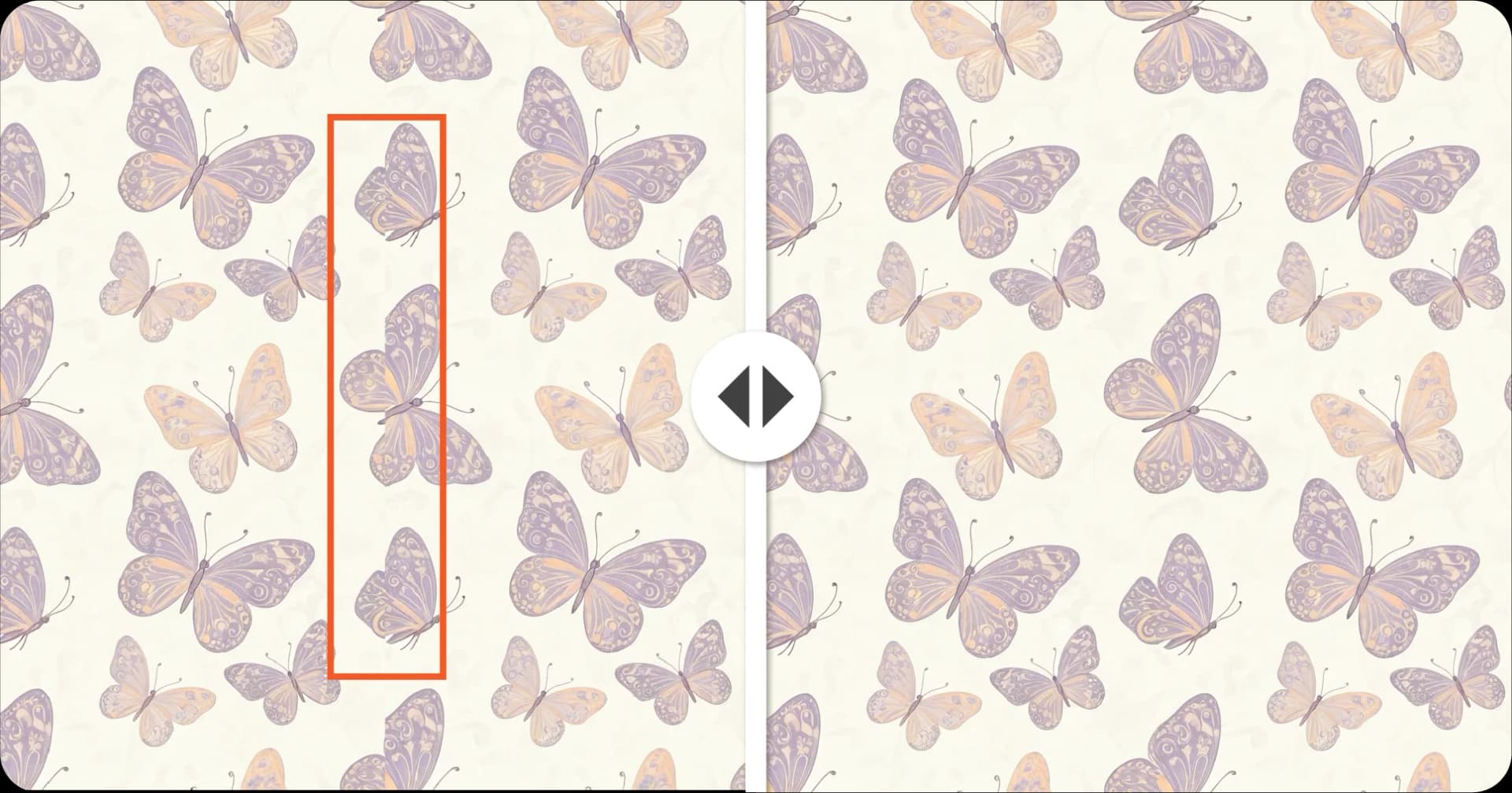
Seamless Edge Protection
Most AI upscalers enlarge images but they don't understand seamless repeats. PatternedAI preserves tile edges during upscaling, ensuring your pattern still repeats perfectly after export.
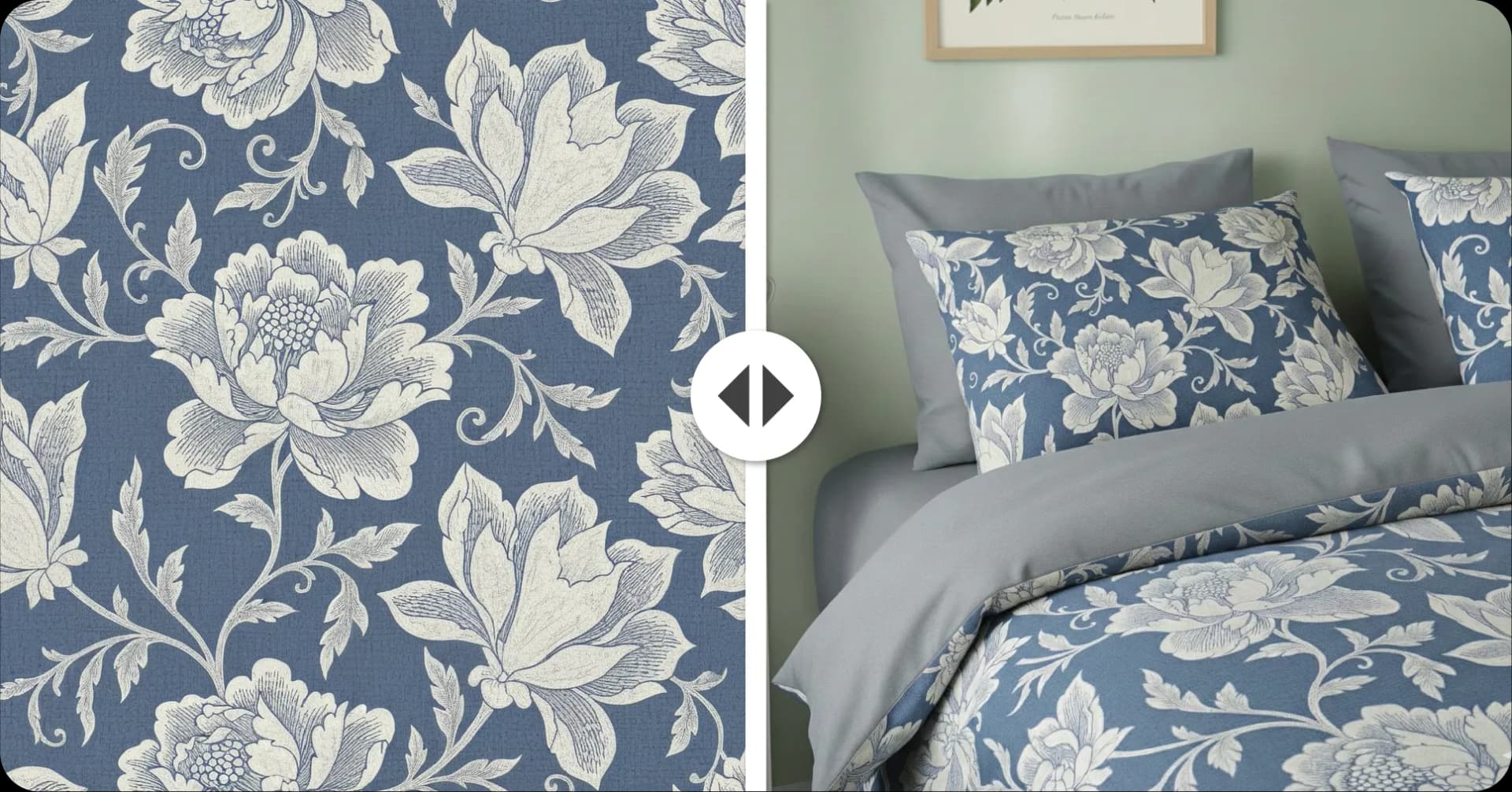
Production-Ready Resolution
Prepare patterns for fabric printing, wallpaper rolls, upholstery, and home décor production with large-format files that meet professional print requirements without manual rebuilding.
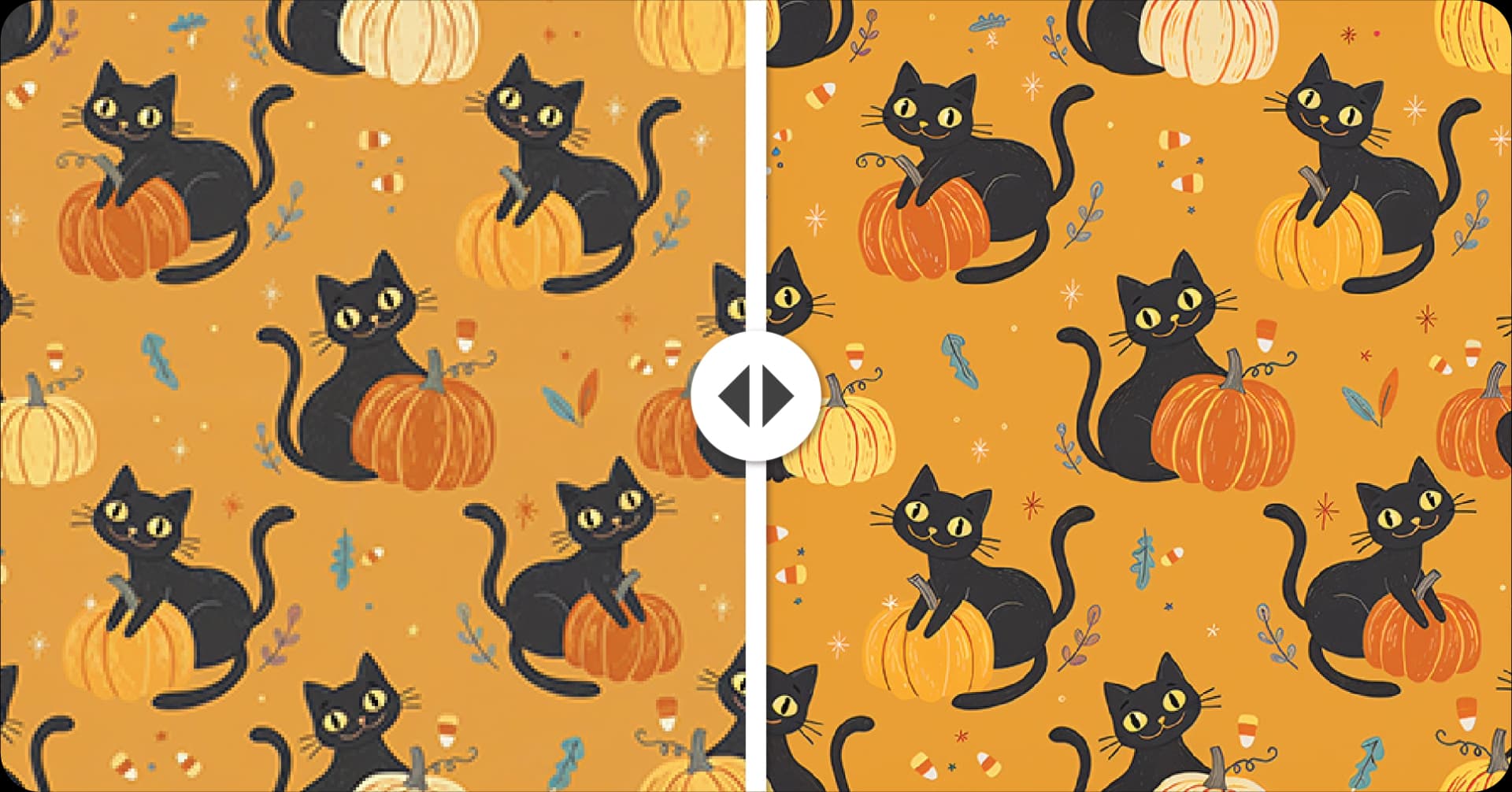
Better Than Generic Upscalers
Some other upscaling tools work well for photography, but seamless patterns require repeat-safe upscaling. PatternedAI is purpose-built for textile and surface design workflows.
What DPI Do You Need for Fabric Printing?
Most professional textile printers require 300 DPI for sharp, production-ready output.
For example:
- A 12″ × 12″ repeat tile at 300 DPI requires 3,600 × 3,600 pixels
- A larger wallpaper or upholstery repeat may require 6,000+ pixels
- Premium print workflows often benefit from 8,000+ pixel source files
This is why simply resizing a small pattern file often fails, true pattern upscaling requires AI enhancement, not just stretching pixels.
PatternedAI helps you increase pattern resolution correctly so your files are ready for production, not just preview.
If you want to learn more, read a full guide in our blog on how to prepare seamless patterns for printing.
FAQ
Yes, that's the main difference between PatternedAI and generic AI upscalers. The tool is specifically built to preserve seamless tile edges during upscaling, so your repeat remains perfectly aligned after export.
Unlike standard tools that sharpen the full image without respecting tile boundaries, PatternedAI protects edge continuity, smooths transitions, and removes artifacts while keeping your repeat structure production-safe. This means no visible seams when your design is printed across fabric, wallpaper, or home décor surfaces.
You can upload your seamless repeat tile as a square high-resolution image file for upscaling, and export production-ready files optimized for print workflows.
For final production, PatternedAI supports high-resolution PNG exports for digital textile printing and also offers SVG and Adobe Illustrator (.ai) vector exports through its Vectorise tool for rotary printing, screen printing, and advanced manufacturing workflows. Individual separated-color TIFF exports are also available for print production through the Vectorise tool.
Related Tools
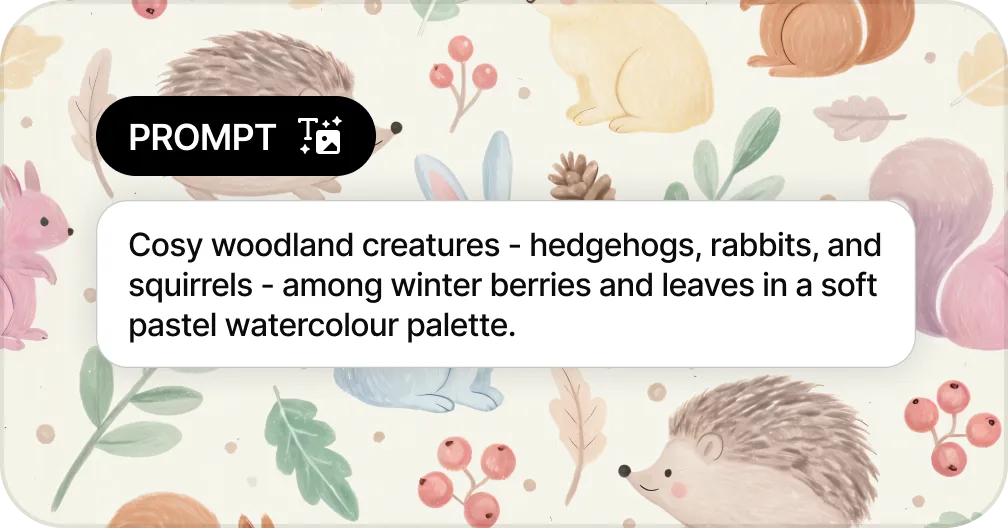
Generate Patterns from Text
Create seamless patterns from a text prompt in seconds
Generate a Pattern from Text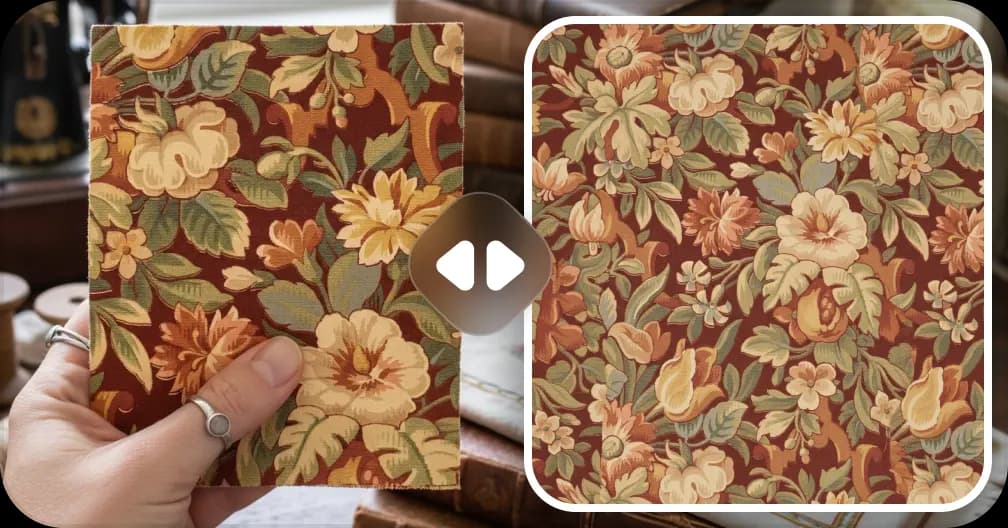
Extract Patterns from Images
Turn any fabric photo or sketch into a seamless repeat
Create a Pattern From Image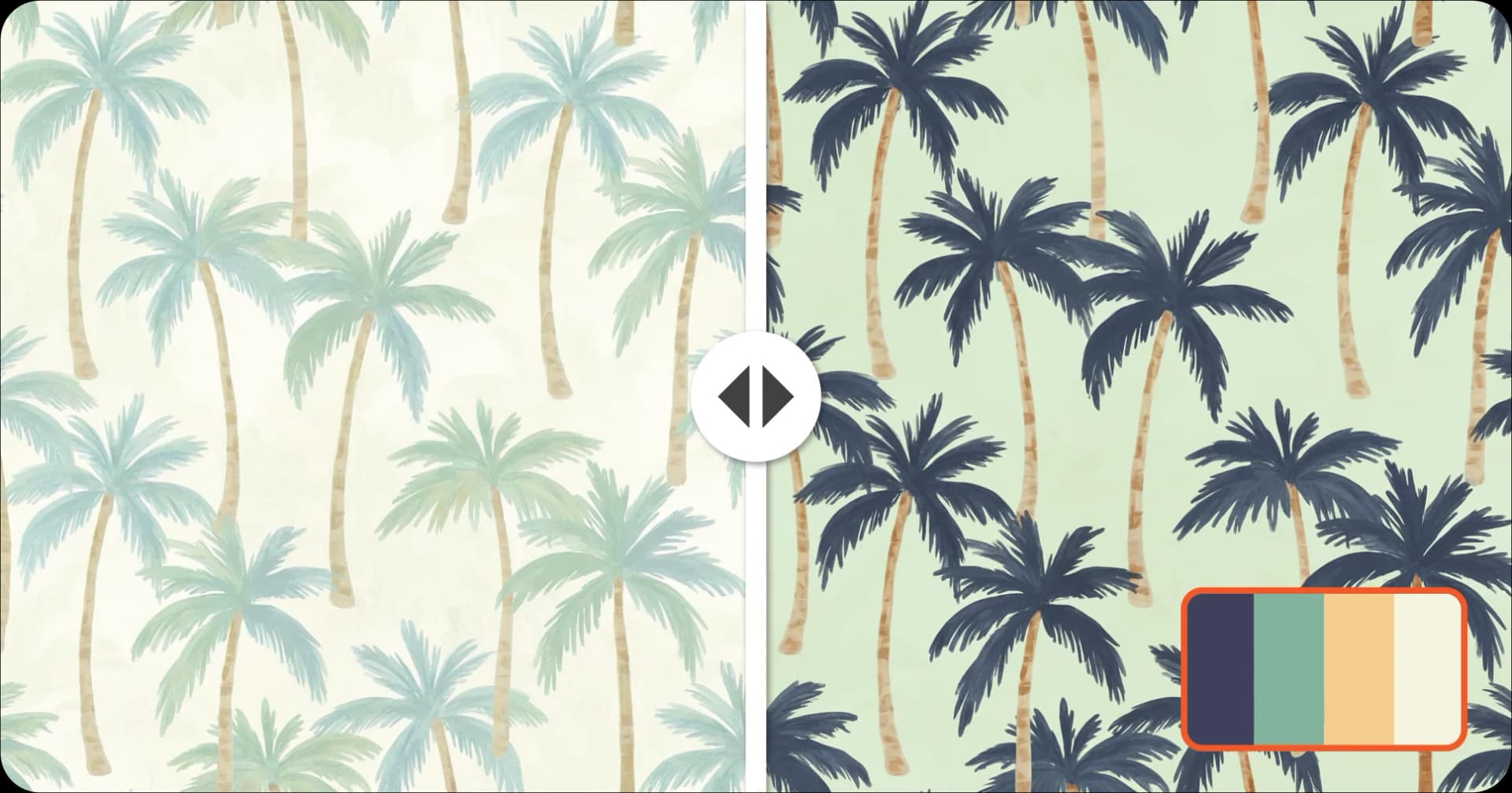
Recolor Your Pattern
Generate unlimited colorways for seasonal collections
Recolor a Pattern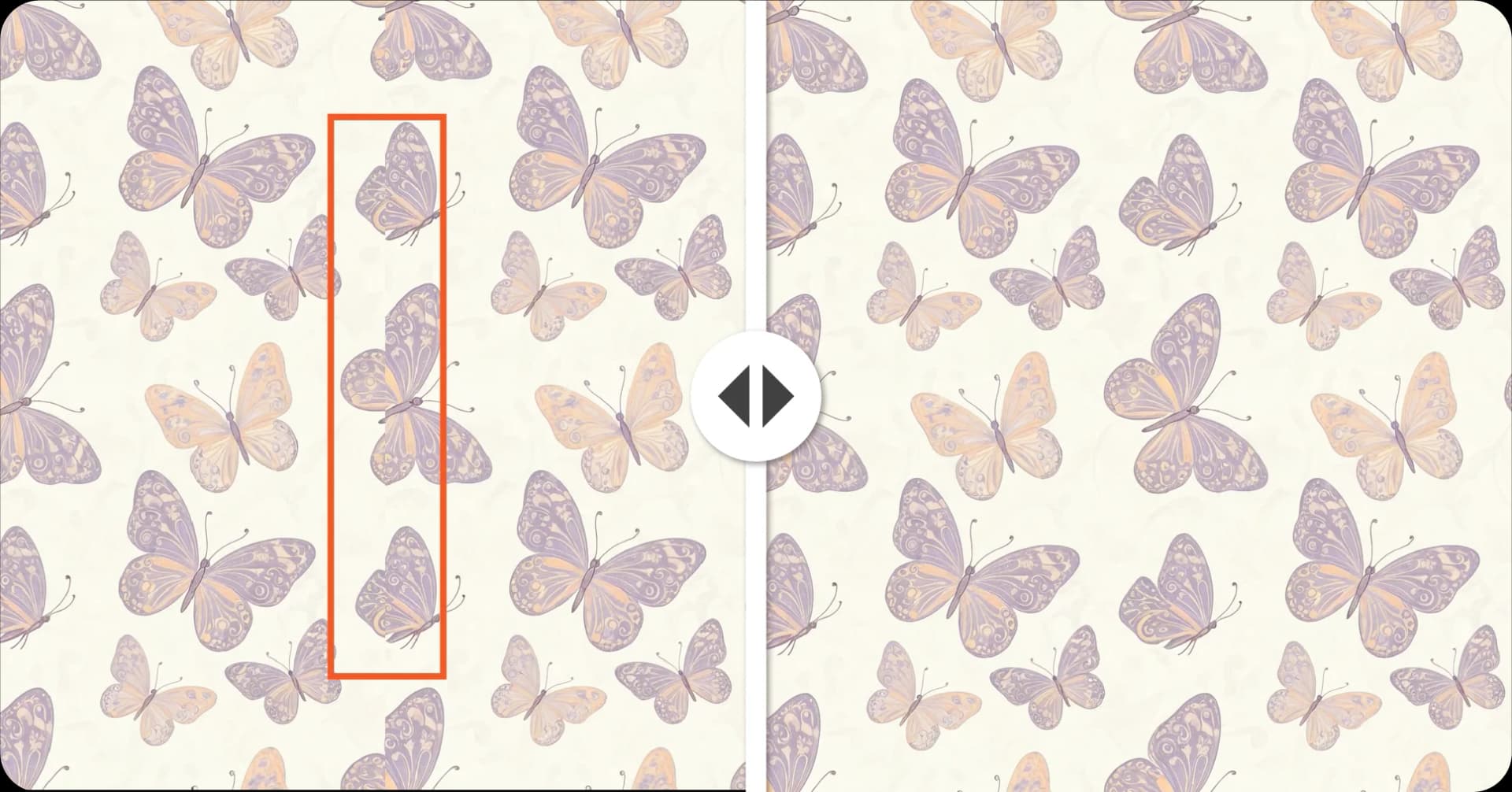
Fix Broken Repeats
Repair seams and misaligned edges automatically with AI
Fix a Pattern Repeat
Convert Patterns to Vector
Convert to SVG with separated color layers for screen printing
Vectorise a PatternReady to Upscale Your Pattern?
Upload any pattern and get a print-ready, high-resolution file in seconds.
Upscale Your Pattern!