Fix Broken Pattern Repeats Online
Upload a broken repeat, AI-generated image, scan, or flat artwork and turn it into a clean, perfectly tileable pattern in seconds.
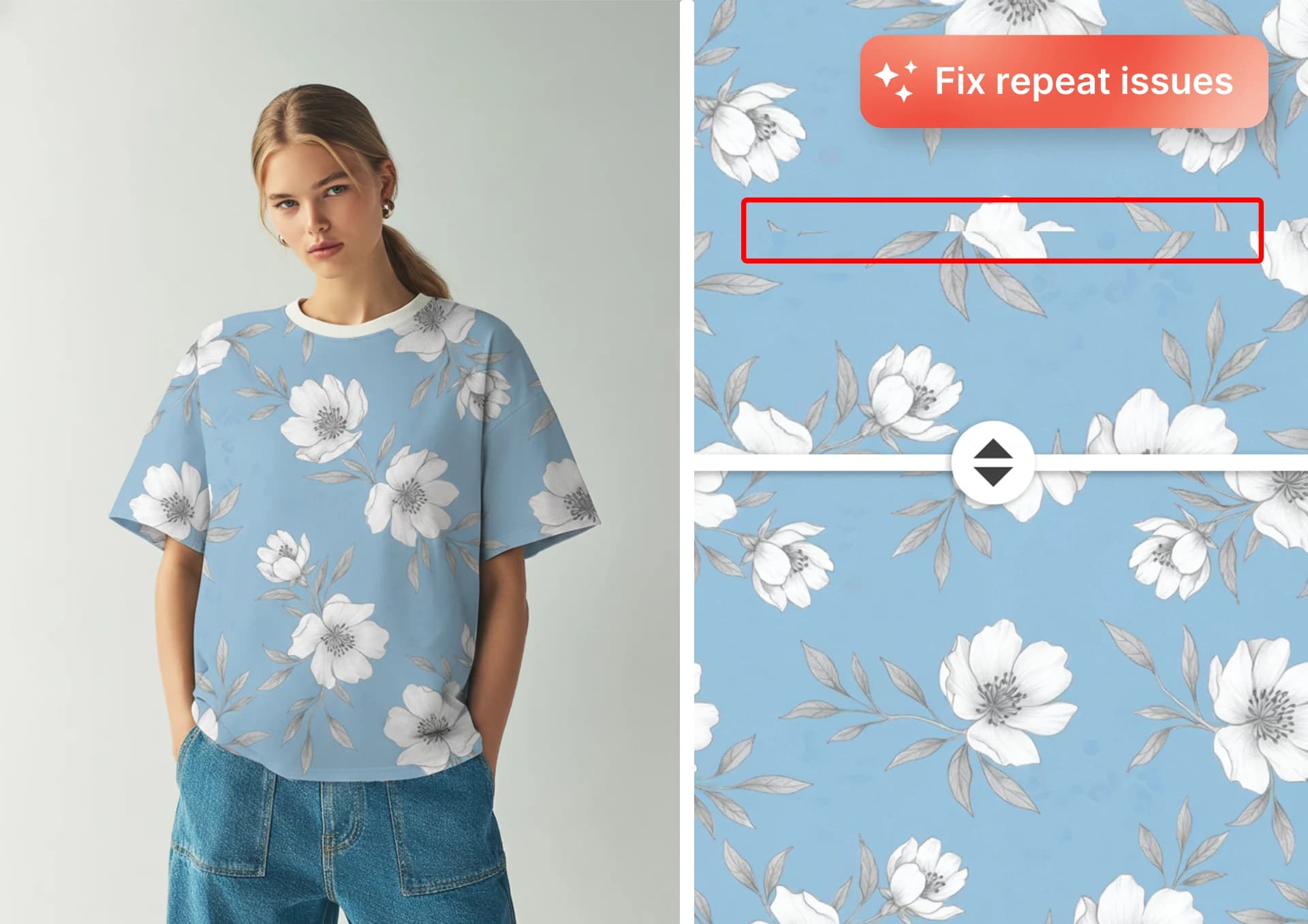
Our AI Seamless Pattern Fixer repairs designs that do not repeat cleanly by analyzing your artwork, completing the edges, and blending everything into a smooth tileable repeat. Whether your pattern came from Midjourney, Gemini, ChatGPT, Photoshop, Illustrator, a hand-drawn scan, or an unfinished textile repeat, Seamless Fixer helps you create a production-ready seamless tile without hours of cloning, masking, offset filters, or manual edge repair. The original artwork stays preserved at the center while AI rebuilds the broken edges, making it fast to fix surface pattern designs.
How to Fix a Seamless Pattern Online
Upload your image
Upload a square image, broken repeat, AI-generated artwork, flat illustration, fabric scan, or pattern tile. Seamless Fixer works best with clean, flat artwork and repeat designs that need edge repair.
Choose your padding
Set how much space the AI should use to rebuild the edges of your pattern. Larger motifs usually need more padding, while small, dense designs can often use less.
Adjust Style Match and Blending Strength
Fine-tune how closely the generated edges match your original design. Use Style Match to preserve the look of your artwork and Blending Strength to smooth transitions between the original center and the repaired edges.
What You Can Fix
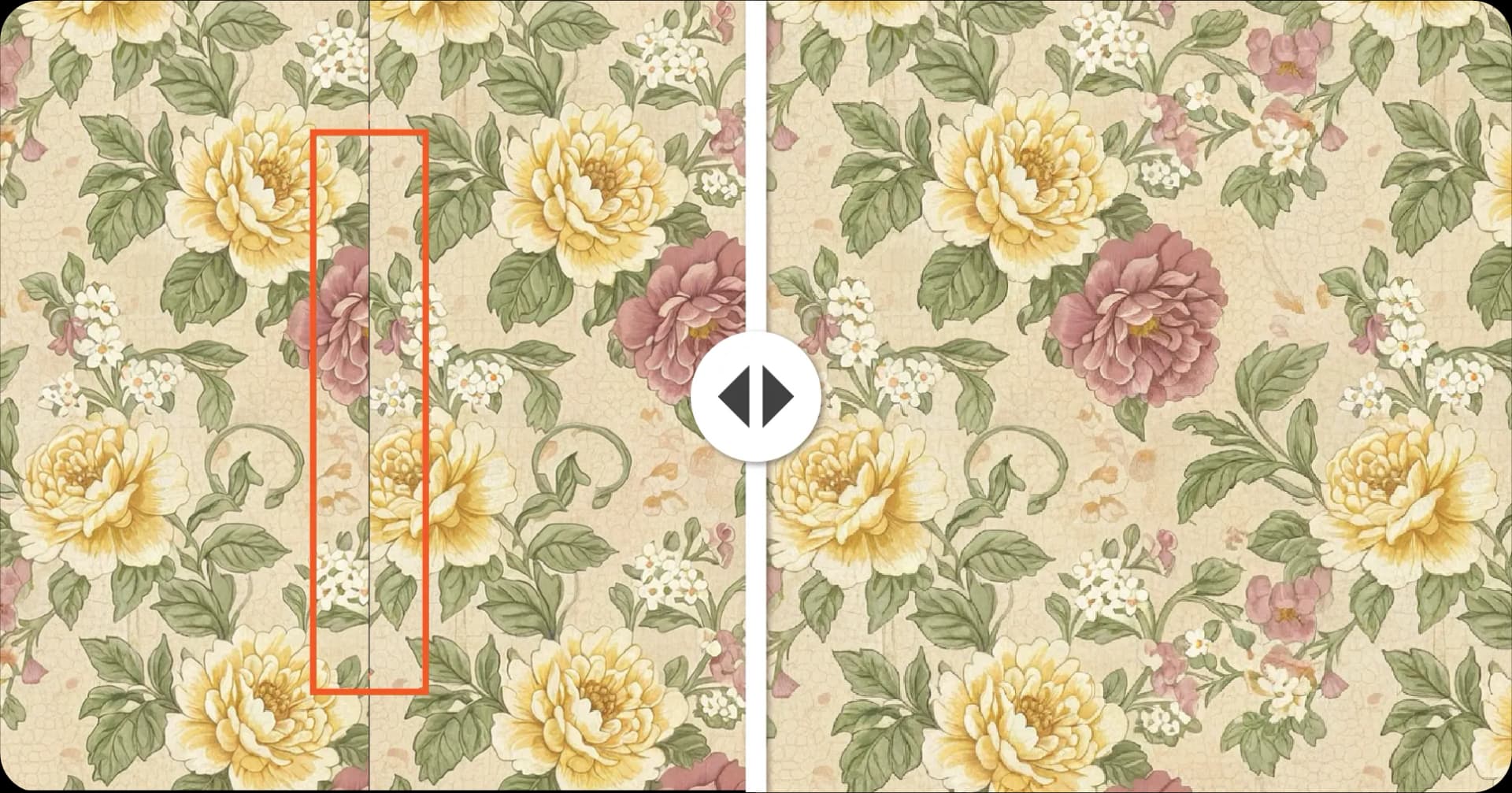
Fix AI-Generated Patterns from Midjourney, ChatGPT, and Gemini
AI image generators can create good artwork, but the edges often do not repeat perfectly. Seamless Fixer turns non-tileable AI outputs into usable seamless pattern tiles by completing the edges and blending the repeat naturally.
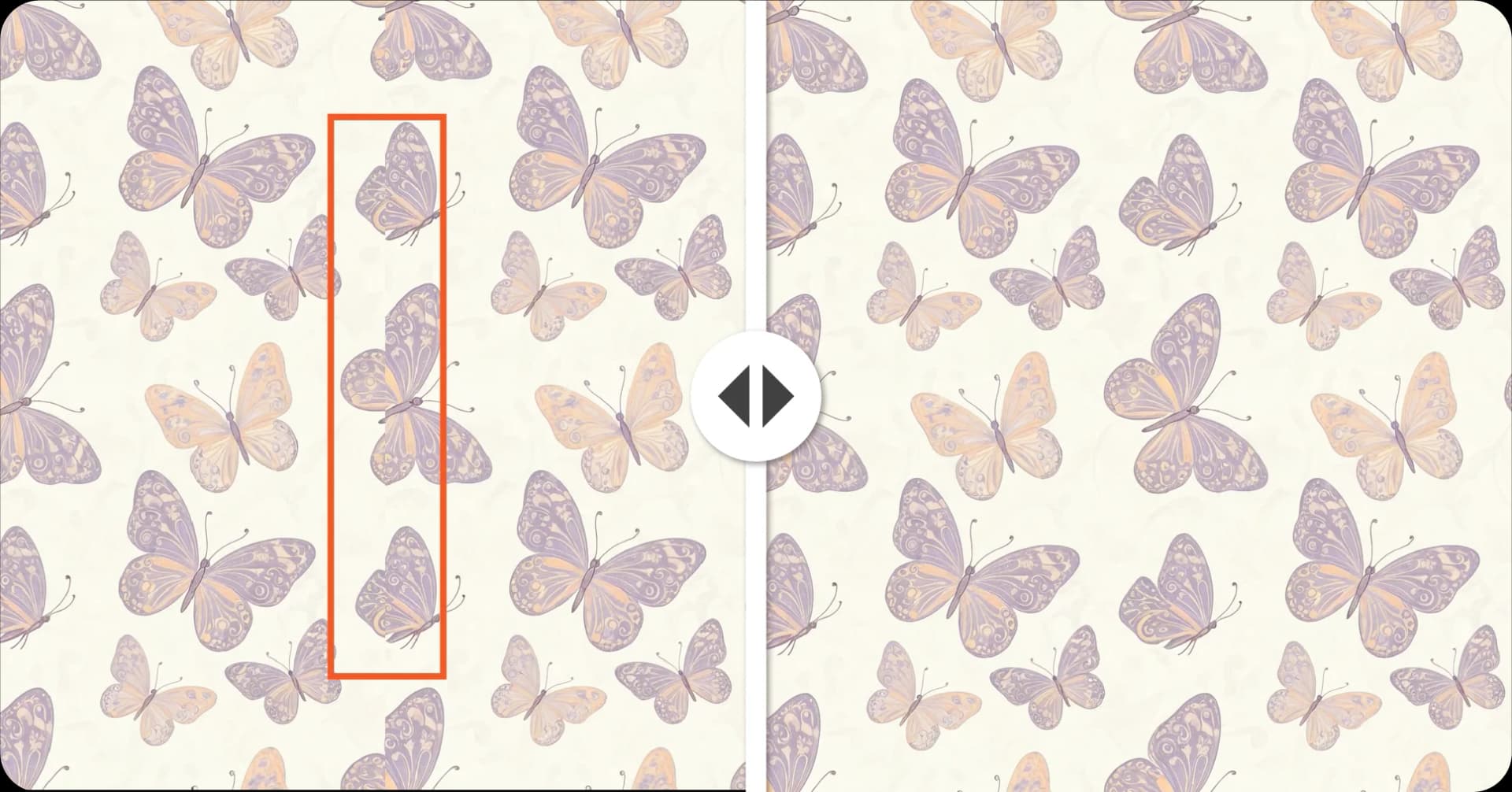
Repair Broken Pattern Edges Without Photoshop
Traditional repeat fixing often requires offset filters, clone stamps, manual masking, and careful edge blending. Seamless Fixer automates that process, helping designers turn broken repeats into seamless tiles in seconds.
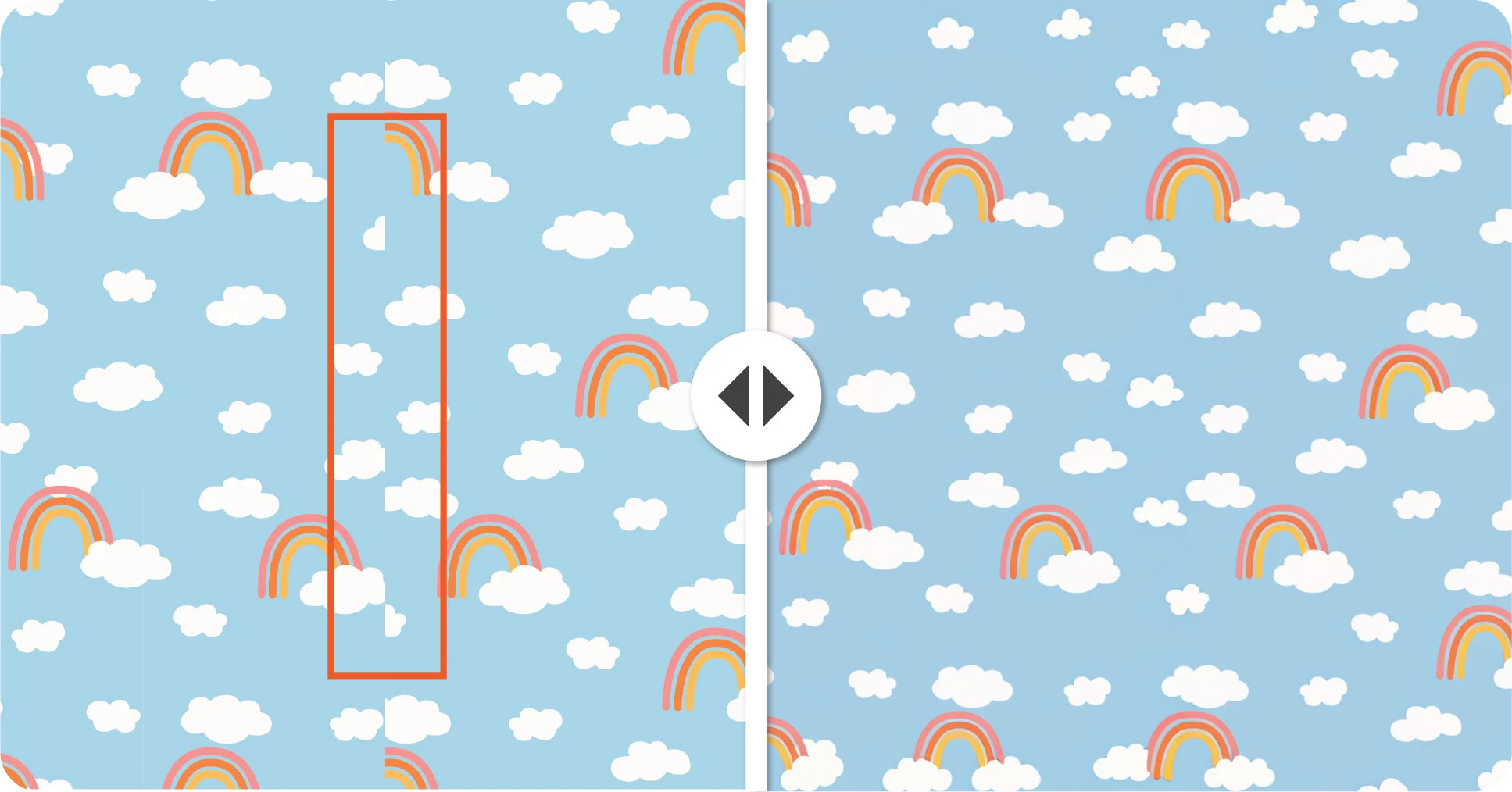
Preserve the Original Design at the Center
Seamless Fixer is built to keep your original artwork intact where it matters most. Instead of completely regenerating your design, the AI focuses on completing the edges and blending the transition so the final tile feels like the same artwork, only repeat-ready.
FAQ
Related Tools
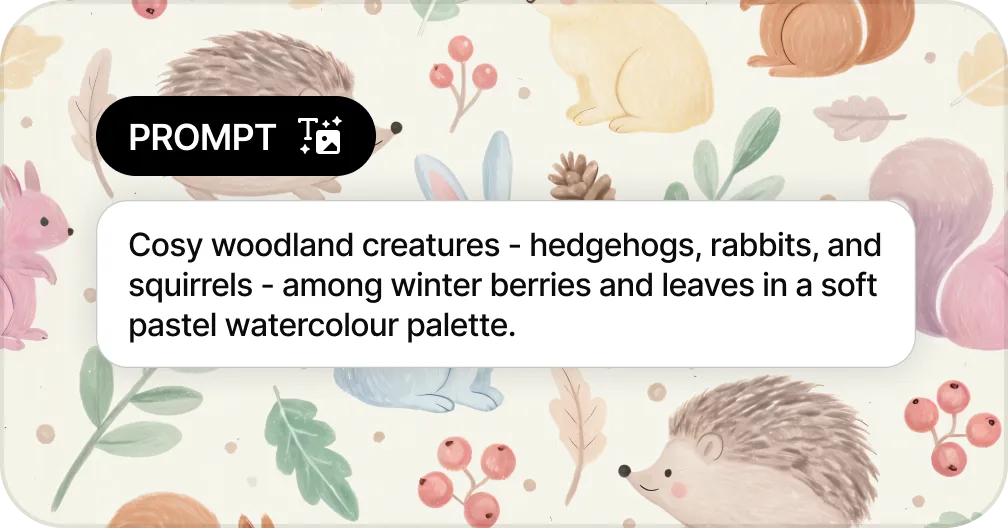
Generate Patterns from Text
Create seamless patterns from a text prompt in seconds
Generate a Pattern from Text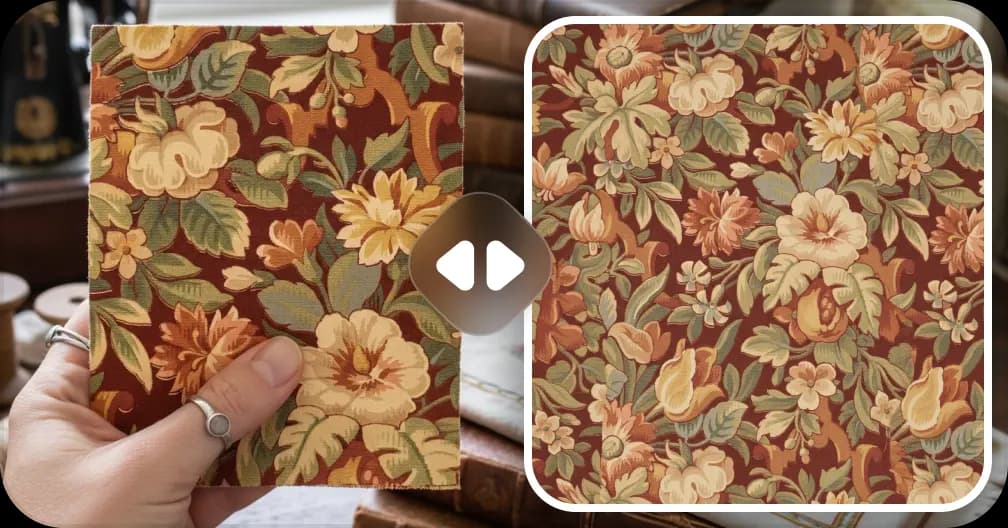
Extract Patterns from Images
Turn any fabric photo or sketch into a seamless repeat
Create a Pattern From Image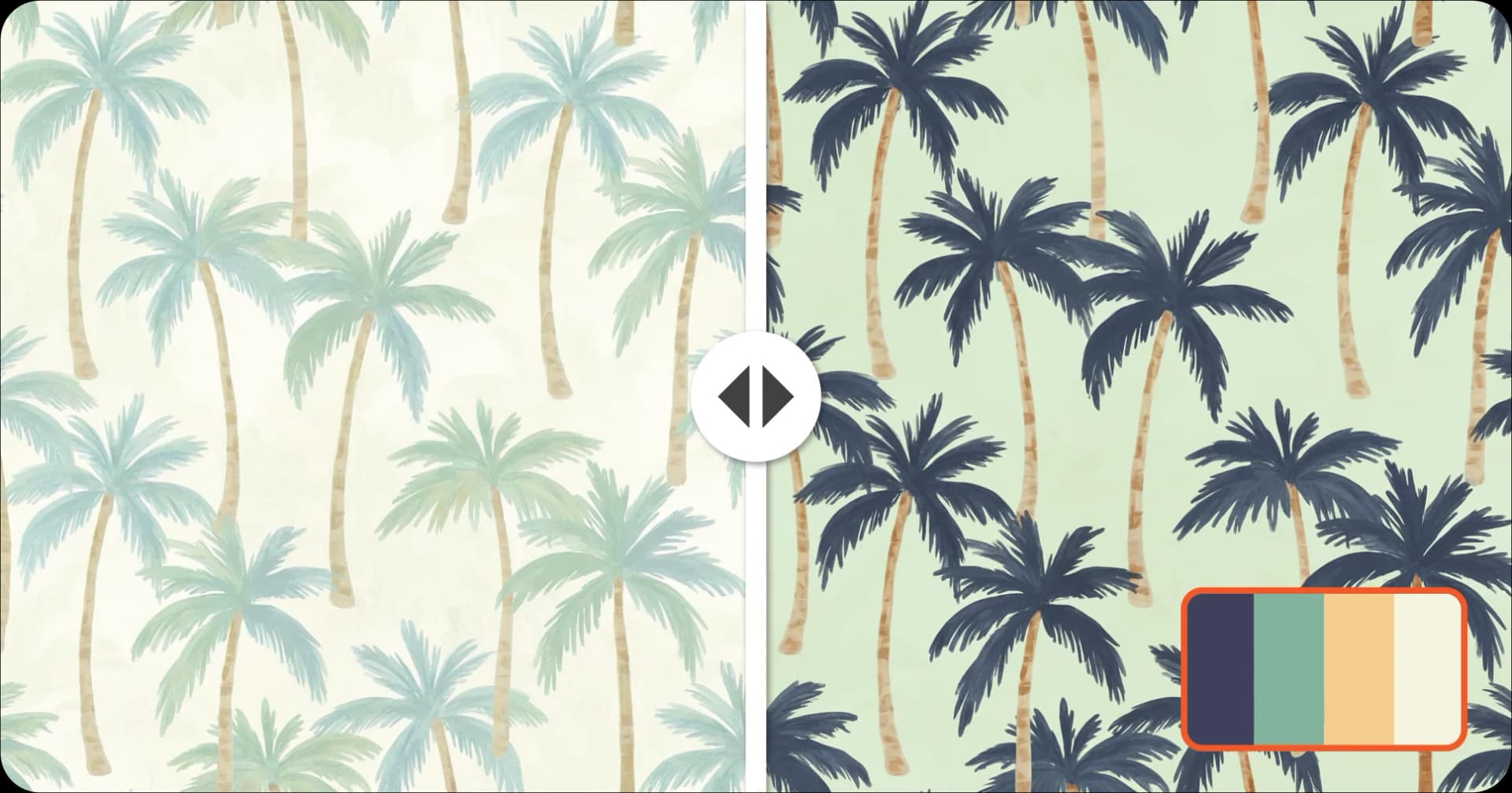
Recolor Your Pattern
Generate unlimited colorways for seasonal collections
Recolor a Pattern
Upscale for Print
Increase resolution up to 8,200px for fabric and wallpaper production
Upscale a Pattern to 300 DPI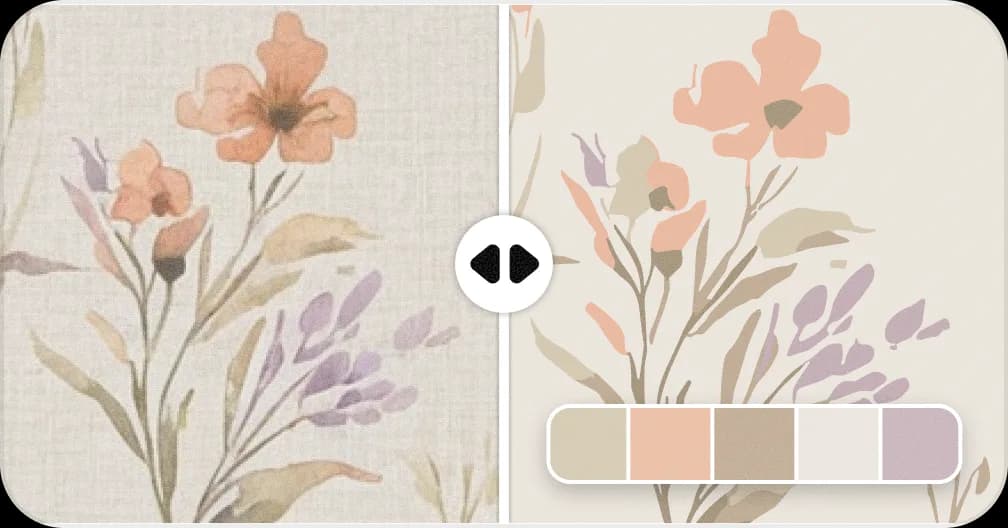
Convert Patterns to Vector
Convert to SVG with separated color layers for screen printing
Vectorise a PatternReady to Make Your Pattern Seamless?
Upload your broken repeat and turn it into a seamless, tileable design in seconds.
Fix Your Pattern Repeat!