Pattern Generator from Image
Turn Any Fabric or Product Photo into a Seamless Repeat Automatically
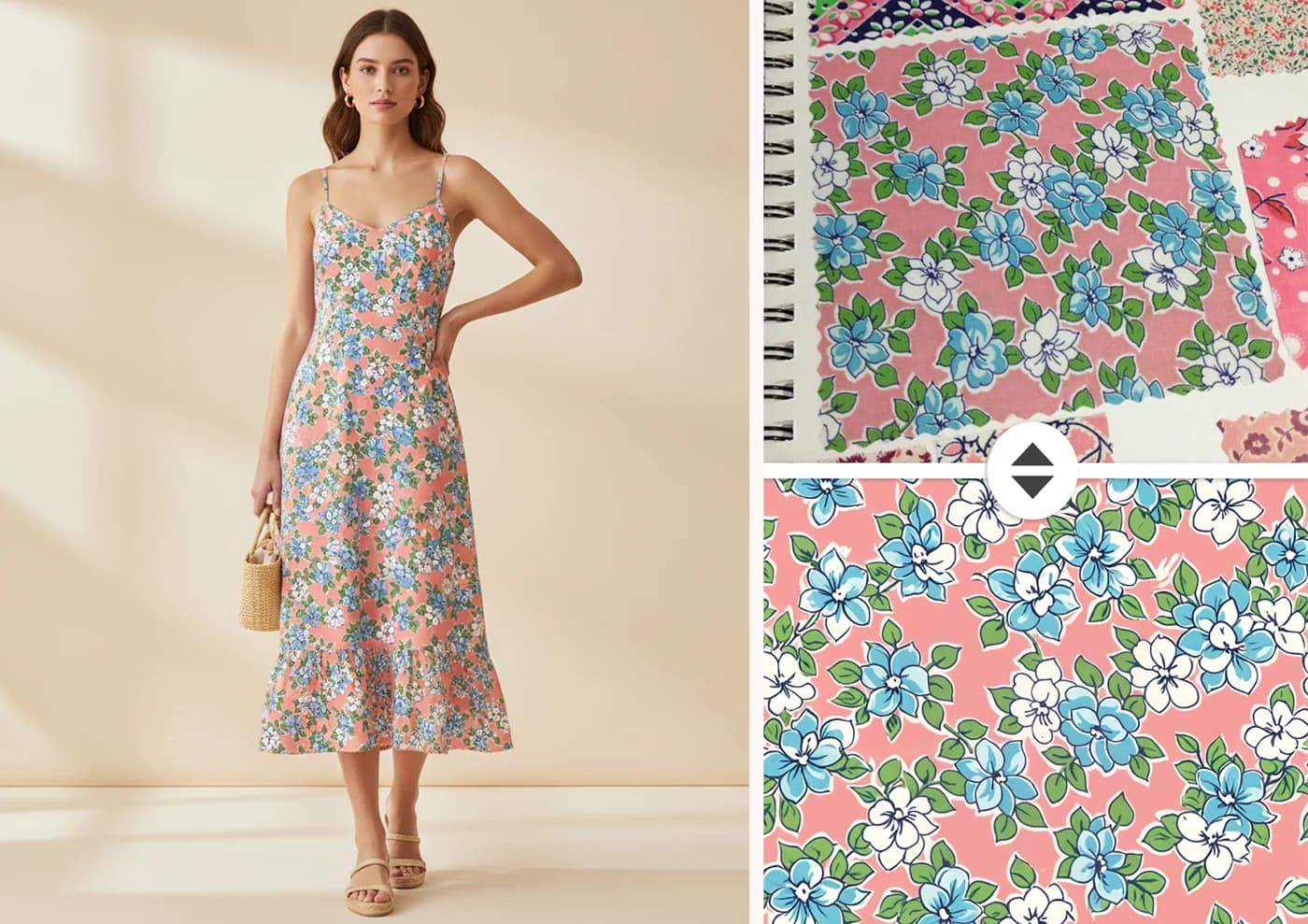
Turn any image into a production-ready pattern in just a few steps. Simply upload your photo, sketch, or texture, and the AI automatically identifies and reconstructs the repeating elements. It then generates a seamless tile with no visible edges or breaks, ready for immediate use. The result is a high-resolution pattern optimized for fabric printing, saving you time while preserving the original look and feel of your design.
What You Can Do With It
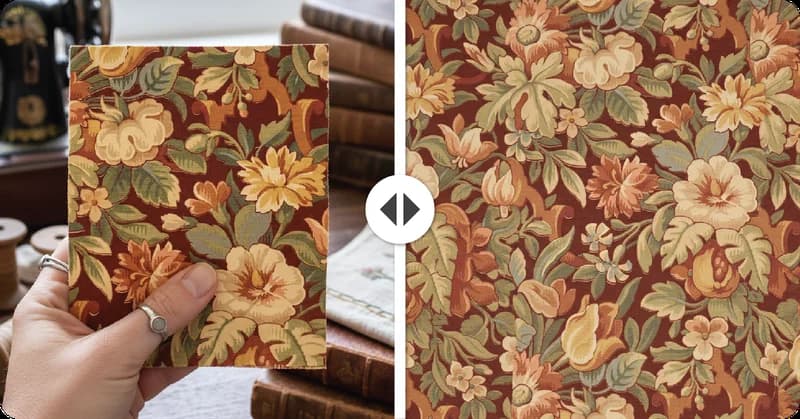
Turn Vintage Fabric Photos into All Over Prints
Transform vintage fabric photos and scans into seamless all-over prints with AI that preserves original colors, textures, and retro character.
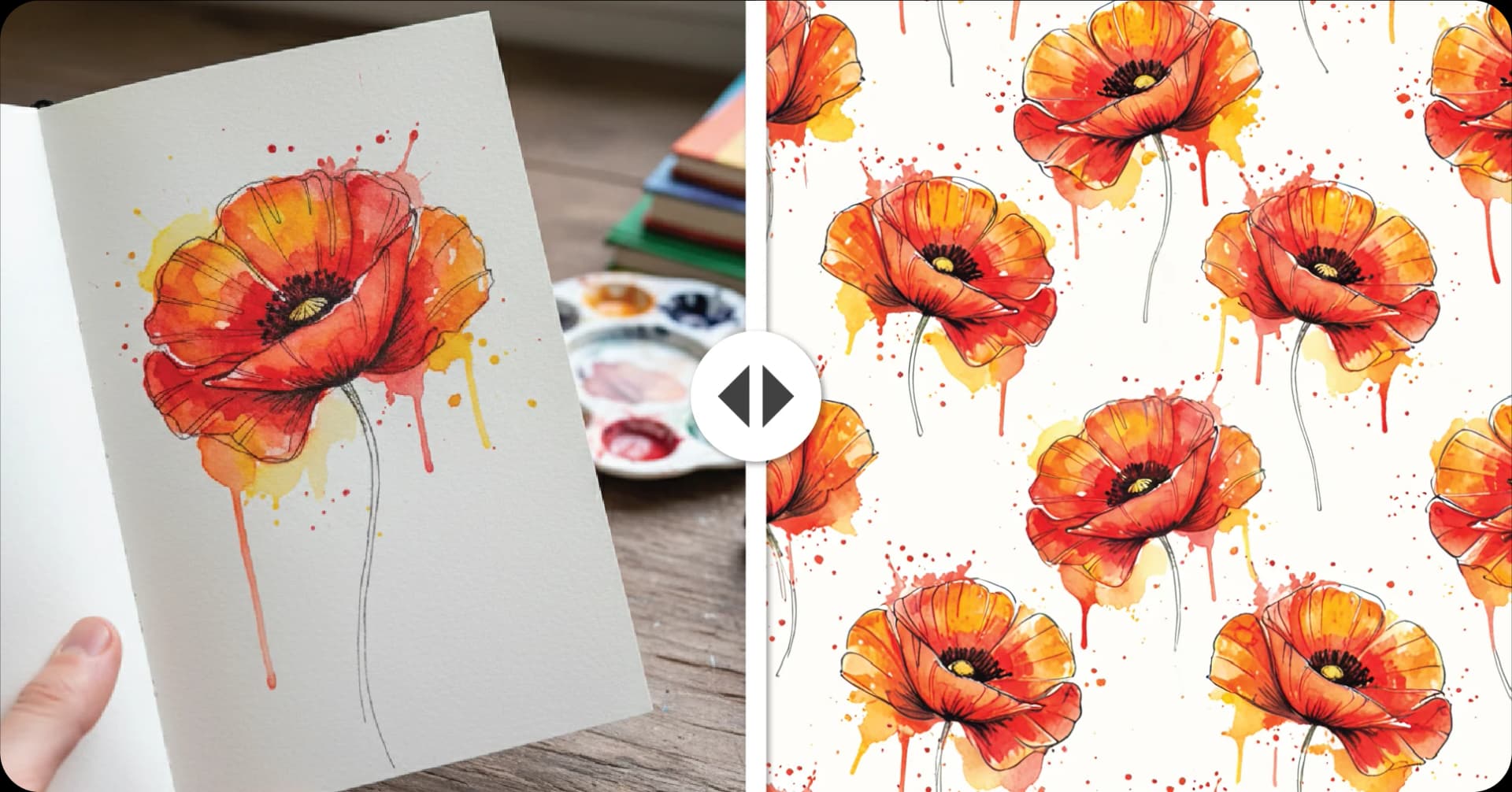
Extract and Repeat Hand-Drawn Elements
Upload hand-drawn sketches or illustrations and the AI isolates and rebuilds the repeating structure into a seamless, print-ready tile — perfect for surface design and textile production.
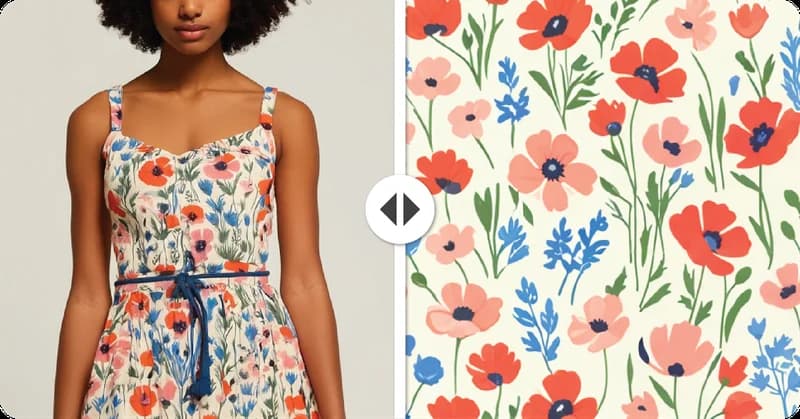
Reconstruct Patterns From Product Photos
Recreate seamless patterns from product photos by extracting and rebuilding repeating elements, saving you hours on pattern reproduction.
How It Works
Upload your image
Fabric photo, sketch, product shot, or any texture.
AI analyzes and isolates repeating elements
Automatically detects the repeating structure in your image.
A seamless tile is generated with perfectly matched edges
No visible seams or breaks, ready for immediate use.
Download your high-resolution, print-ready pattern file
Optimized for fabric printing at production quality. Upscale to 300 DPI or vectorise to SVG for large-format output.
FAQ
Related Tools
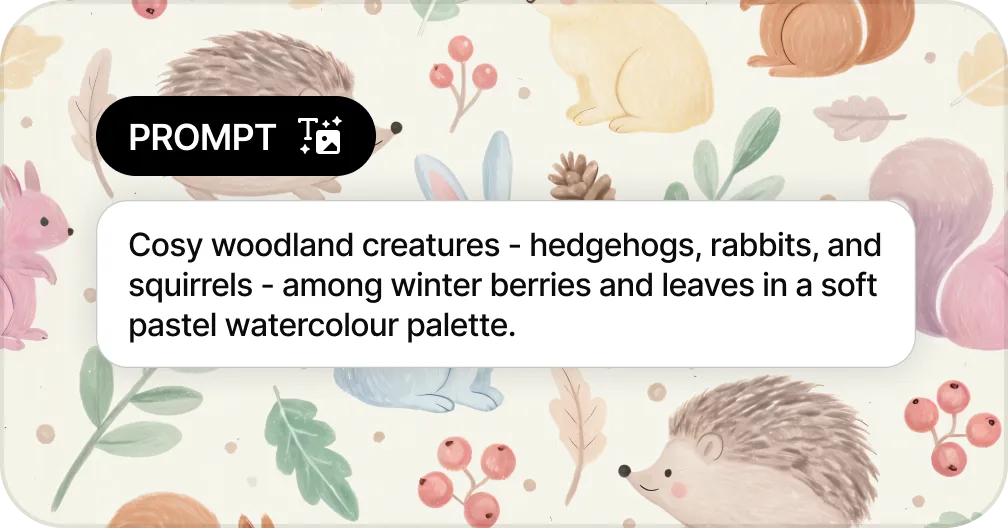
Generate Patterns from Text
Create seamless patterns from a text prompt in seconds
Generate a Pattern from Text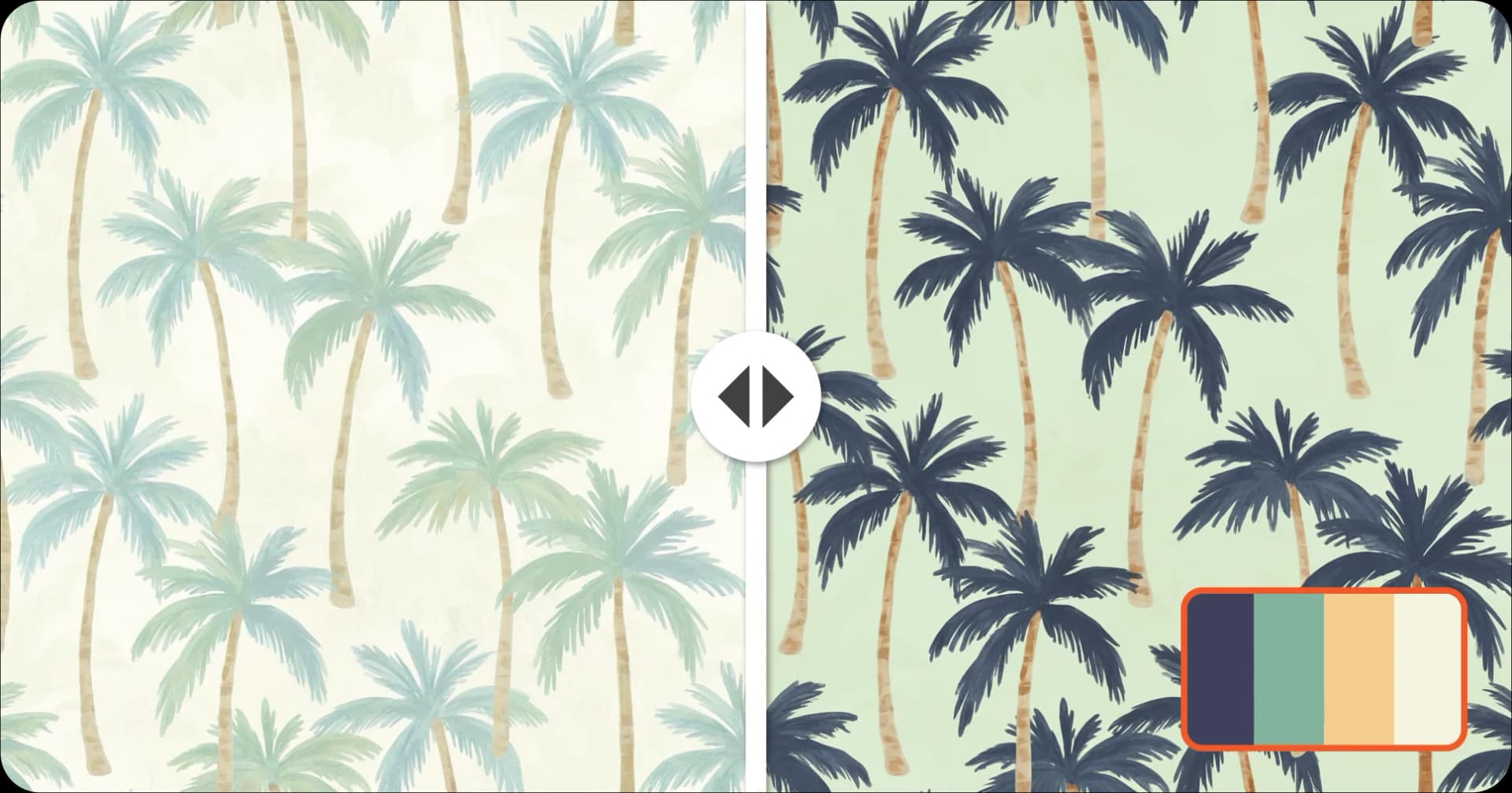
Recolor Your Pattern
Generate unlimited colorways for seasonal collections
Recolor a Pattern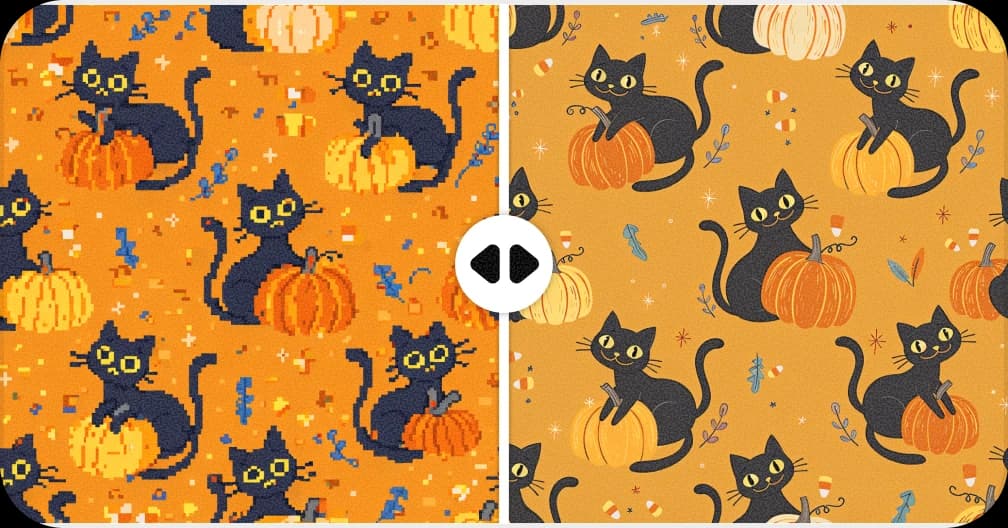
Upscale for Print
Increase resolution up to 8,200px for fabric and wallpaper production
Upscale a Pattern to 300 DPI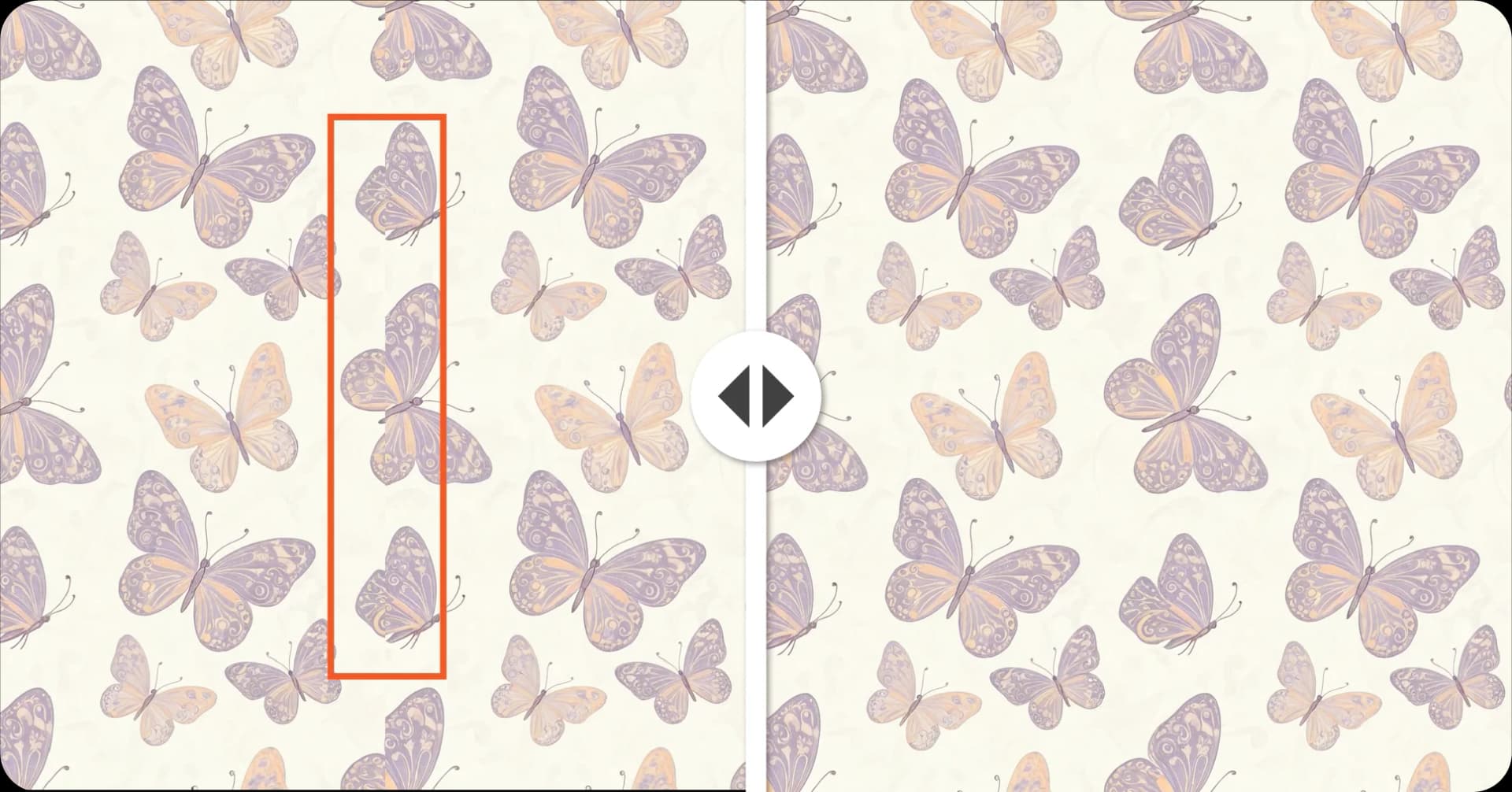
Fix Broken Repeats
Repair seams and misaligned edges automatically with AI
Fix a Pattern Repeat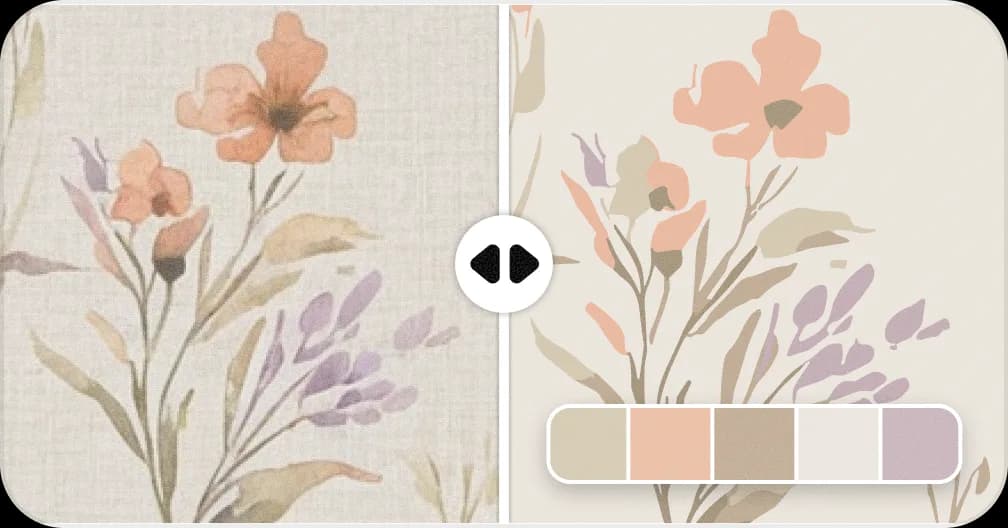
Convert Patterns to Vector
Convert to SVG with separated color layers for screen printing
Vectorise a PatternReady to Extract Your Pattern?
Upload any photo and get a seamless, print-ready repeat in seconds.
Extract Your Pattern!