Vectorize Patterns Online
Convert Repeat Patterns to Vector for Printing
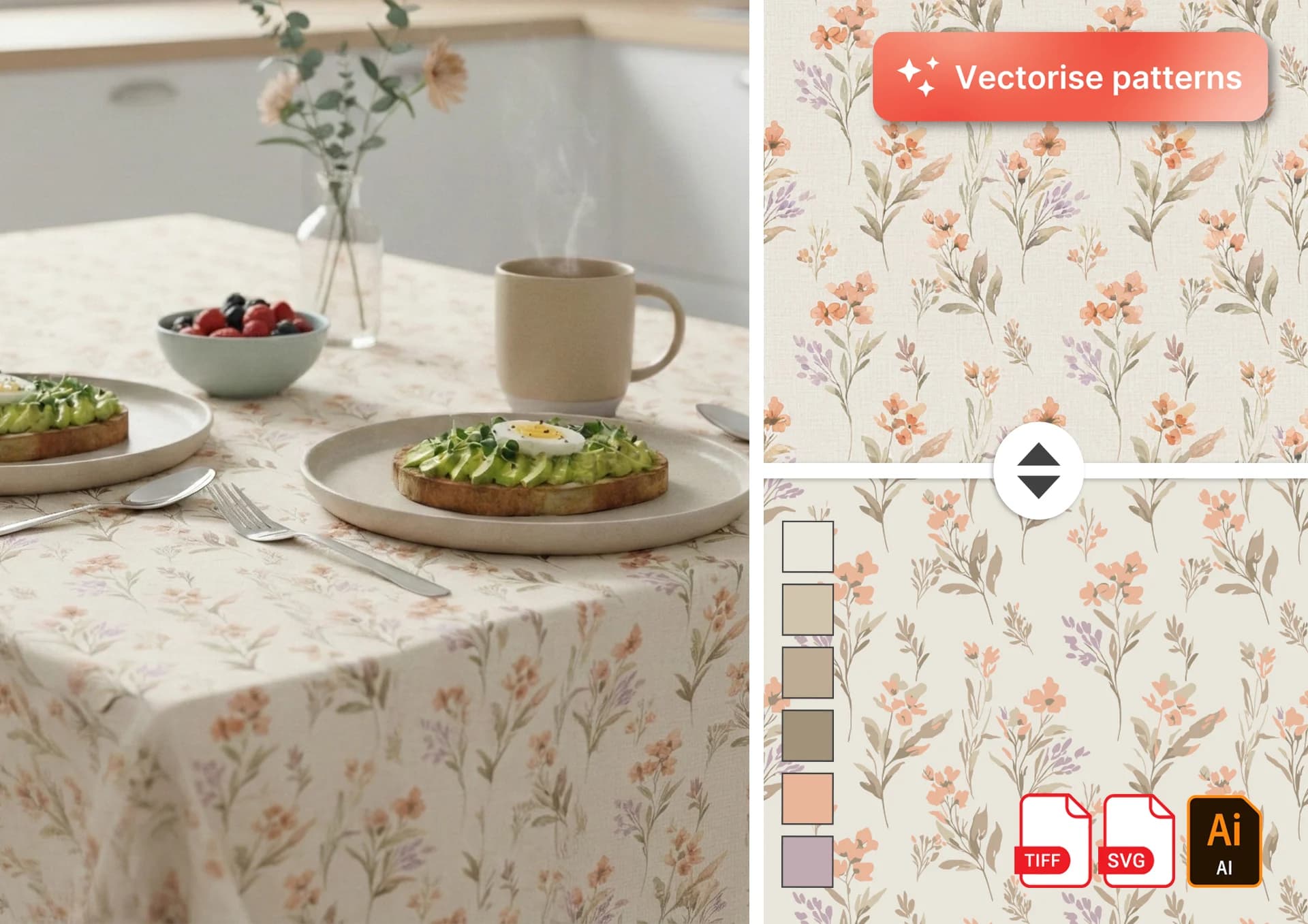
Turn any image into a clean, production-ready vector file with AI. Upload a raster pattern or illustration and convert it into a scalable vector with control over color count for textile printing, screen printing, and professional production workflows. Use the seamless toggle for repeat patterns, or switch it off for standalone artwork. Whether you are preparing a textile repeat, placement print, logo-style illustration, or screen-print-ready design, Patterned AI helps you create clean vector output without rebuilding the artwork by hand.
How to Vectorize a Pattern
Upload your raster image
Upload a PNG, JPG, or WEBP file. You can use seamless repeat patterns created in Patterned AI, placement prints, scanned artwork, generated images, or standalone illustrations. For best quality, Upscale before vectorising your design.
Choose seamless or standalone mode
Keep the Seamless Pattern checkbox on if your image is a repeat tile. Patterned AI preserves the repeat structure so your vector output can still tile correctly. Uncheck the box if you are vectorizing a standalone image, placement artwork, motif, logo-style graphic, or screen print design.
Adjust color count
Control how many colors are used in the final output. Reduce colors for screen printing, simplify complex artwork, or preserve more detail for rich textile designs.
Download your production-ready files
The AI converts your image into clean, scalable vector shapes, simplifying edges and smoothing borders between elements. Export your finished artwork as SVG, Adobe Illustrator, or individual colour TIFF separations depending on your production workflow and subscription tier.
Supported Output Formats
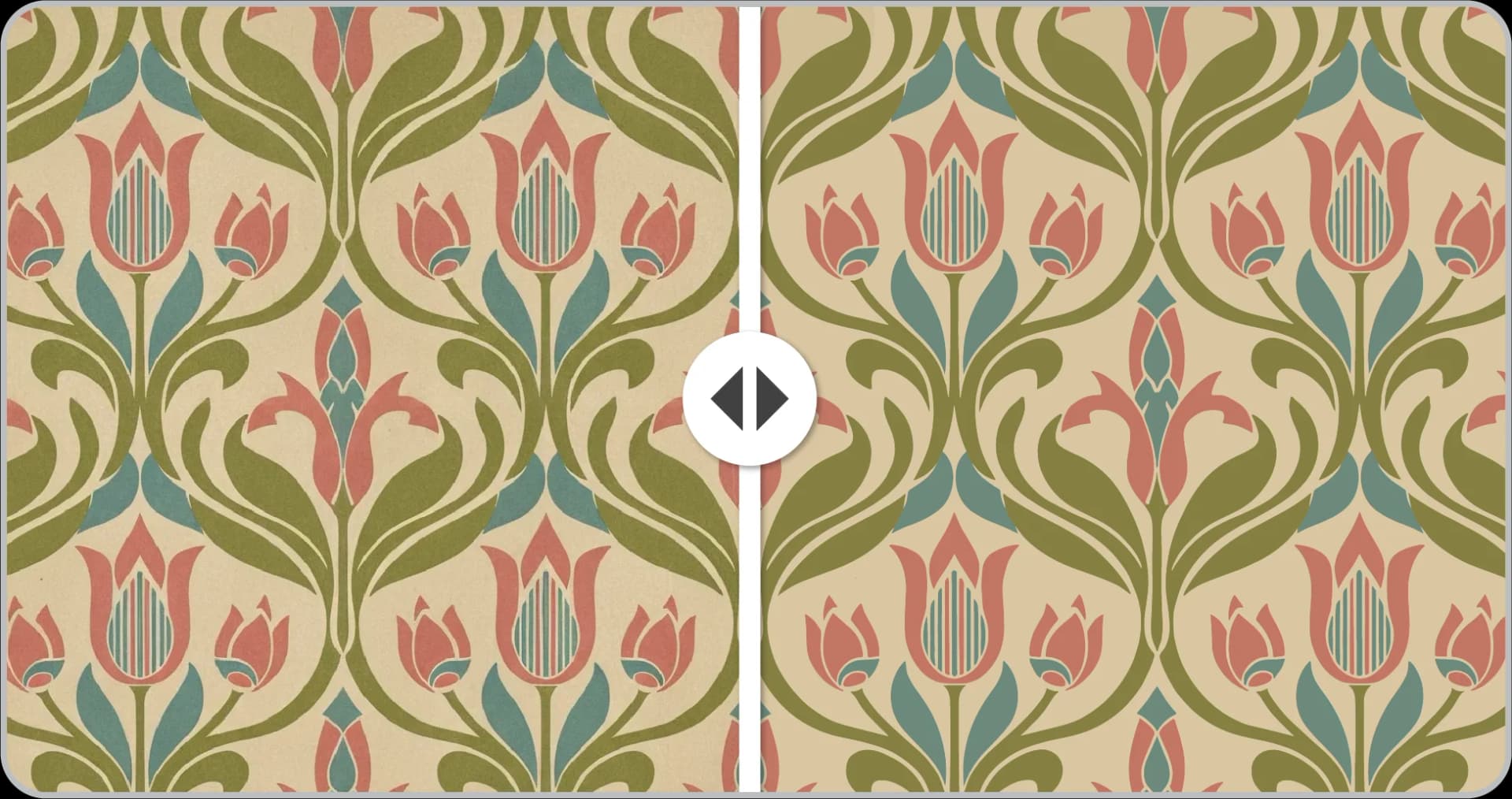
SVG
Export a clean, scalable SVG file for flexible use across web, design, and production workflows. SVG is ideal when you need editable vector paths and infinite scaling.
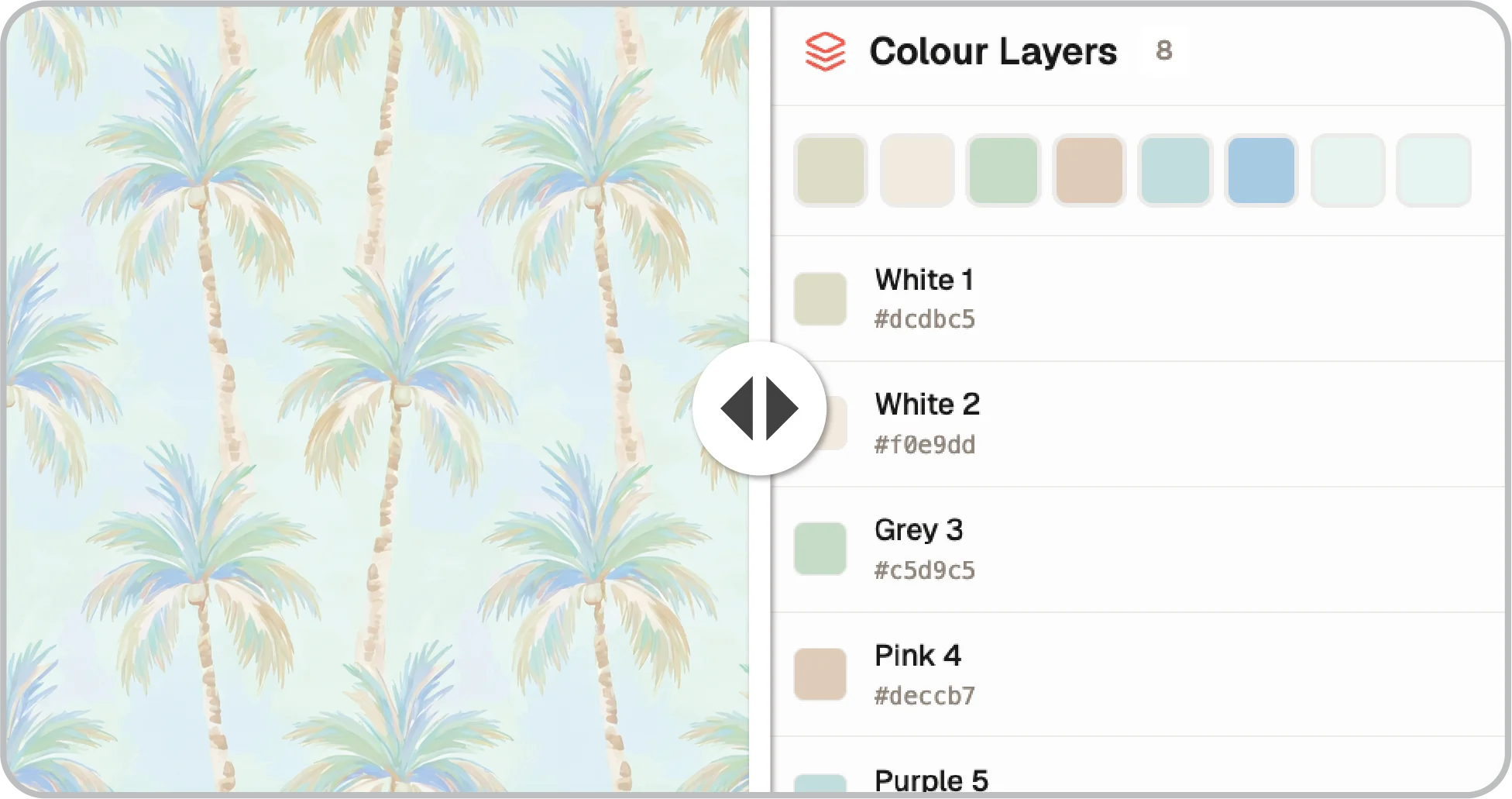
Adobe Illustrator (.ai)
Download a native Adobe Illustrator file with separated color layers. This format is ideal for professional production, textile design, print preparation, and editing in Illustrator.
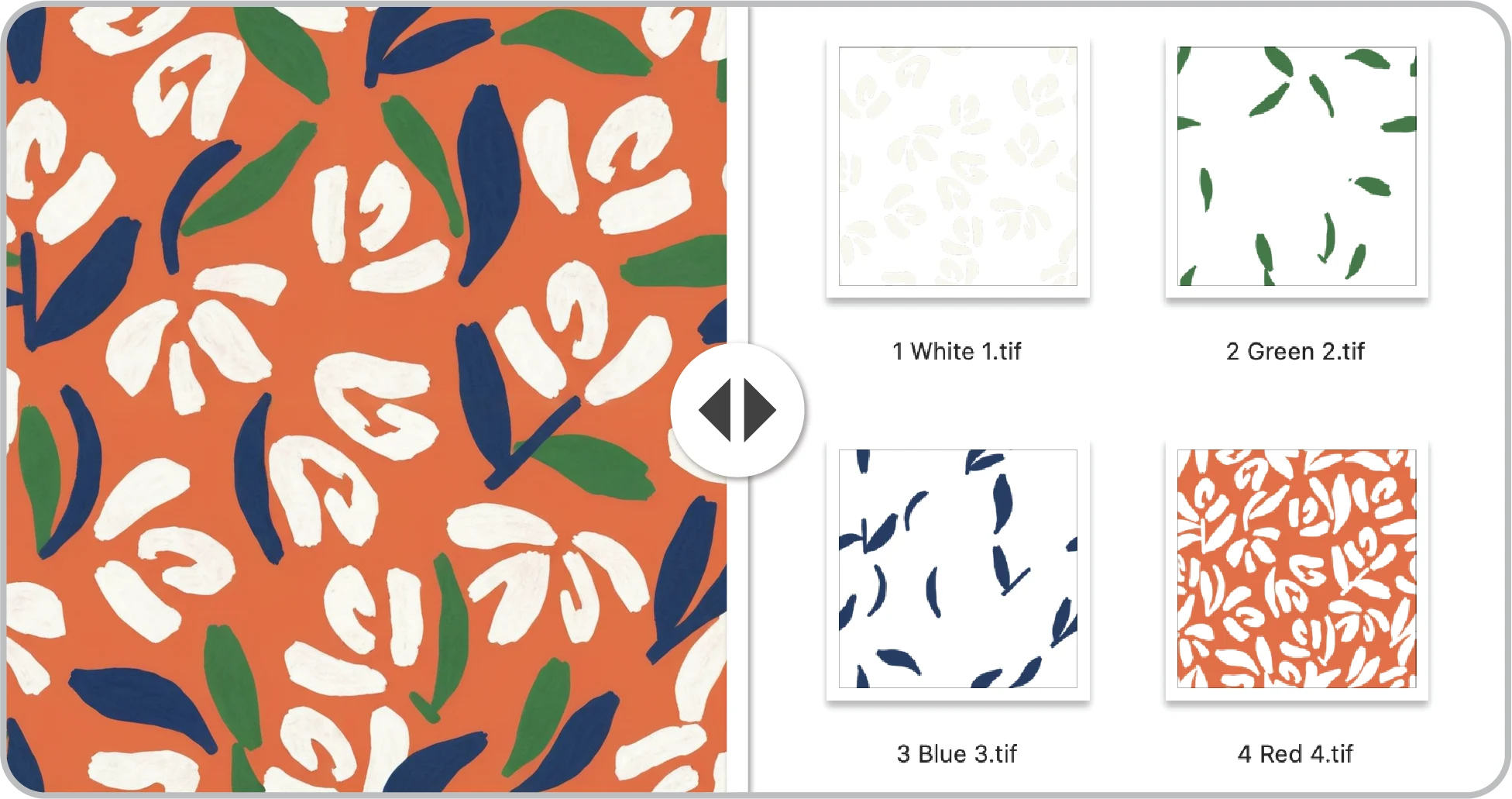
Individual Colour TIFFs
Export one TIFF file per color, delivered as a zipped folder. This is ideal for screen printing workflows where each color needs its own production-ready separation.
Why Are Vector Patterns Best for Production?
Raster files are made from pixels. That means they can blur, soften, or lose detail when resized for fabric, wallpaper, packaging, or screen printing. Vector files are built from editable paths, so your artwork can scale cleanly without losing sharpness.
- Infinite scaling without quality loss
- Better for textile mills and print houses
- Easier editing in design software
- Smaller, cleaner production files
Screen printing usually works best with a limited number of colors. Instead of printing thousands of subtle pixel variations, each color is prepared as a separate layer or separation. Patterned AI helps reduce complex raster artwork into cleaner color regions while preserving the overall look of the design. This makes it easier to prepare artwork for screen printing, textile production, and color-separated workflows.
If you want to learn more, read a full guide in our blog on how to prepare seamless patterns for printing.
Ready to Vectorize Your Pattern?
Upload any pattern and get a scalable, color-separated SVG file in seconds.
Vectorise Your Pattern!FAQ
Related Tools
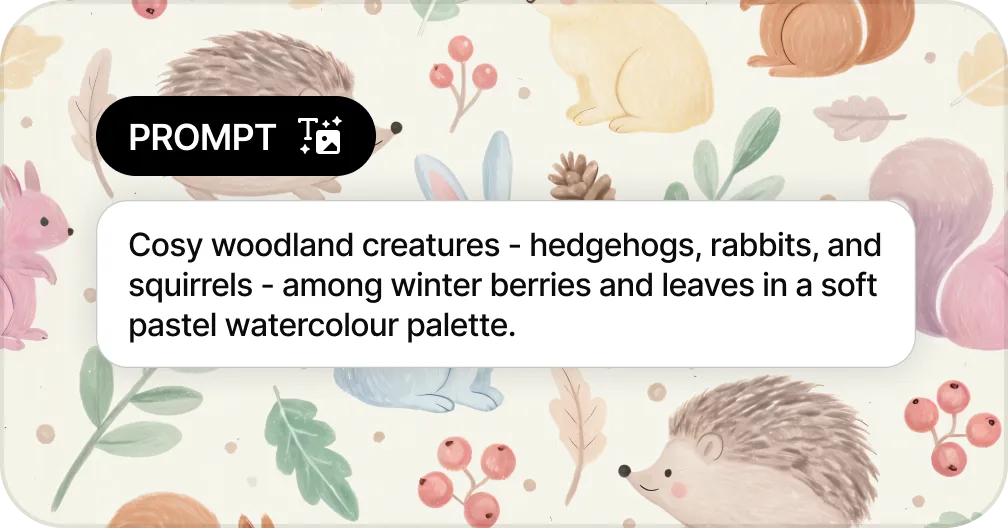
Generate Patterns from Text
Create seamless patterns from a text prompt in seconds
Generate a Pattern from Text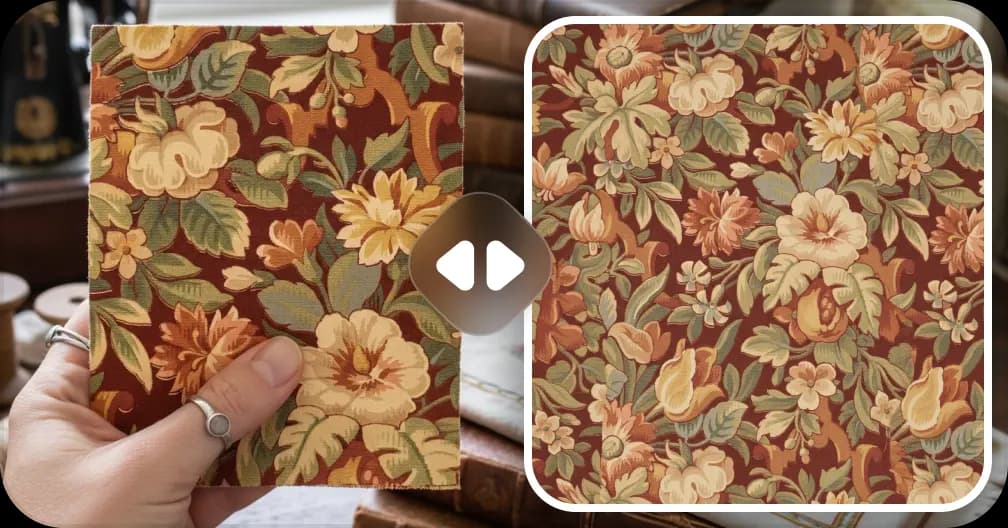
Extract Patterns from Images
Turn any fabric photo or sketch into a seamless repeat
Create a Pattern From Image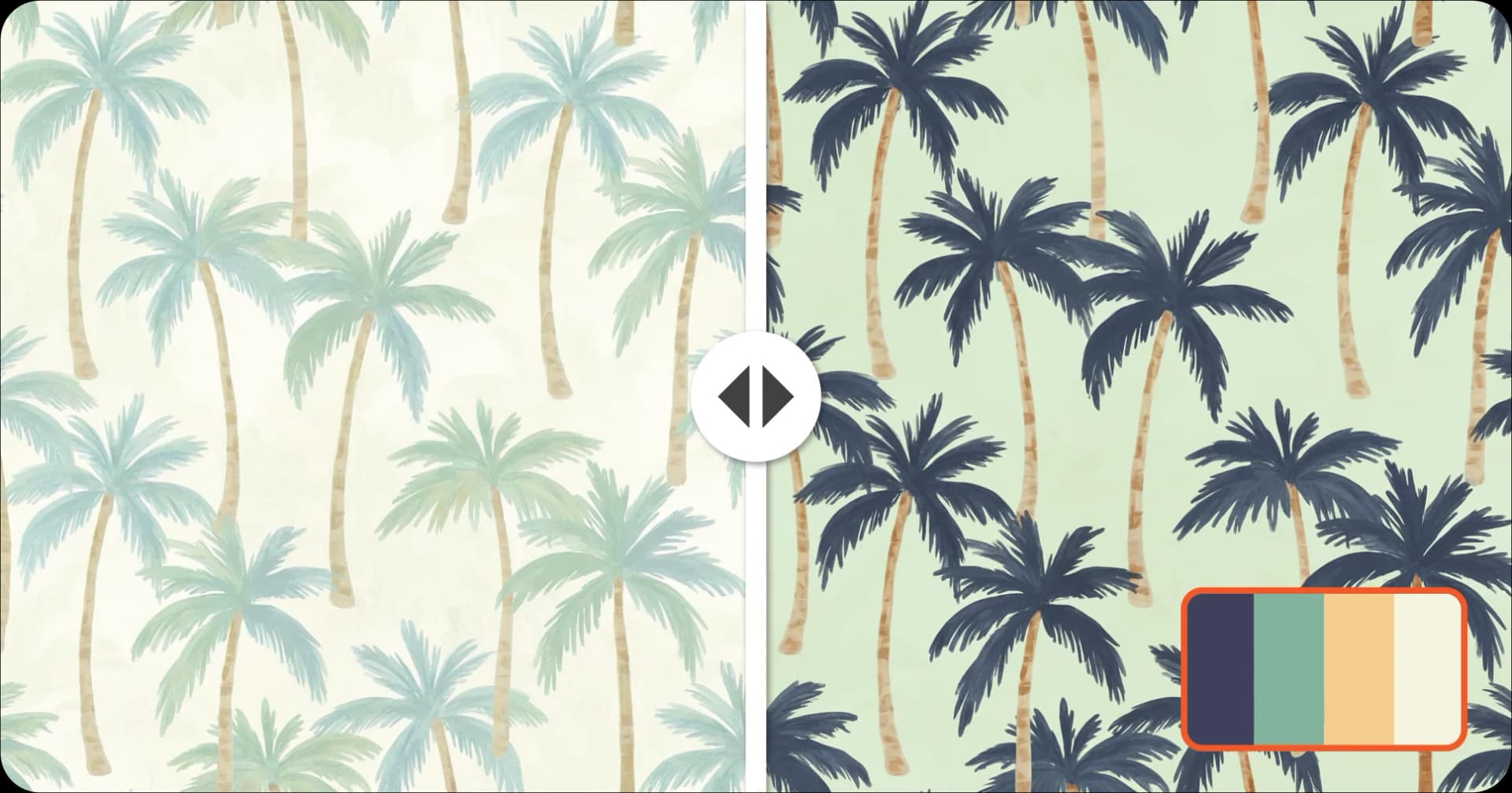
Recolor Your Pattern
Generate unlimited colorways for seasonal collections
Recolor a Pattern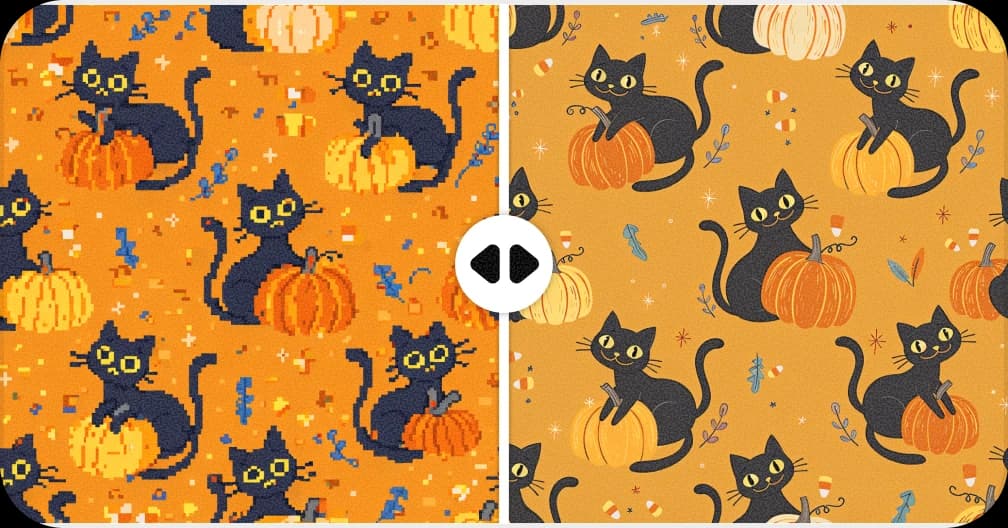
Upscale for Print
Increase resolution up to 8,200px for fabric and wallpaper production
Upscale a Pattern to 300 DPI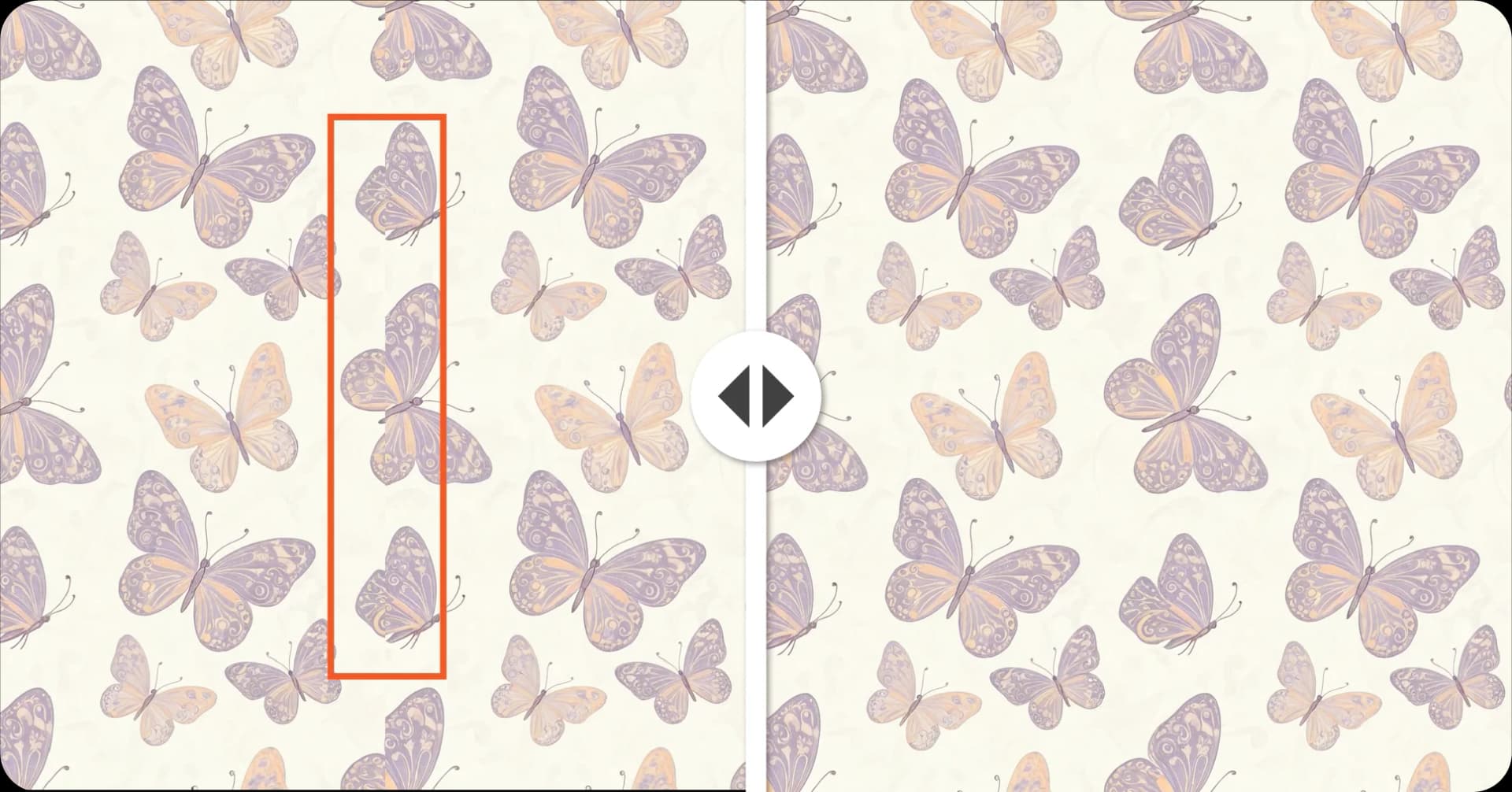
Fix Broken Repeats
Repair seams and misaligned edges automatically with AI
Fix a Pattern Repeat