Recolor Patterns Online
Create multiple colorways with AI Colorway Generator
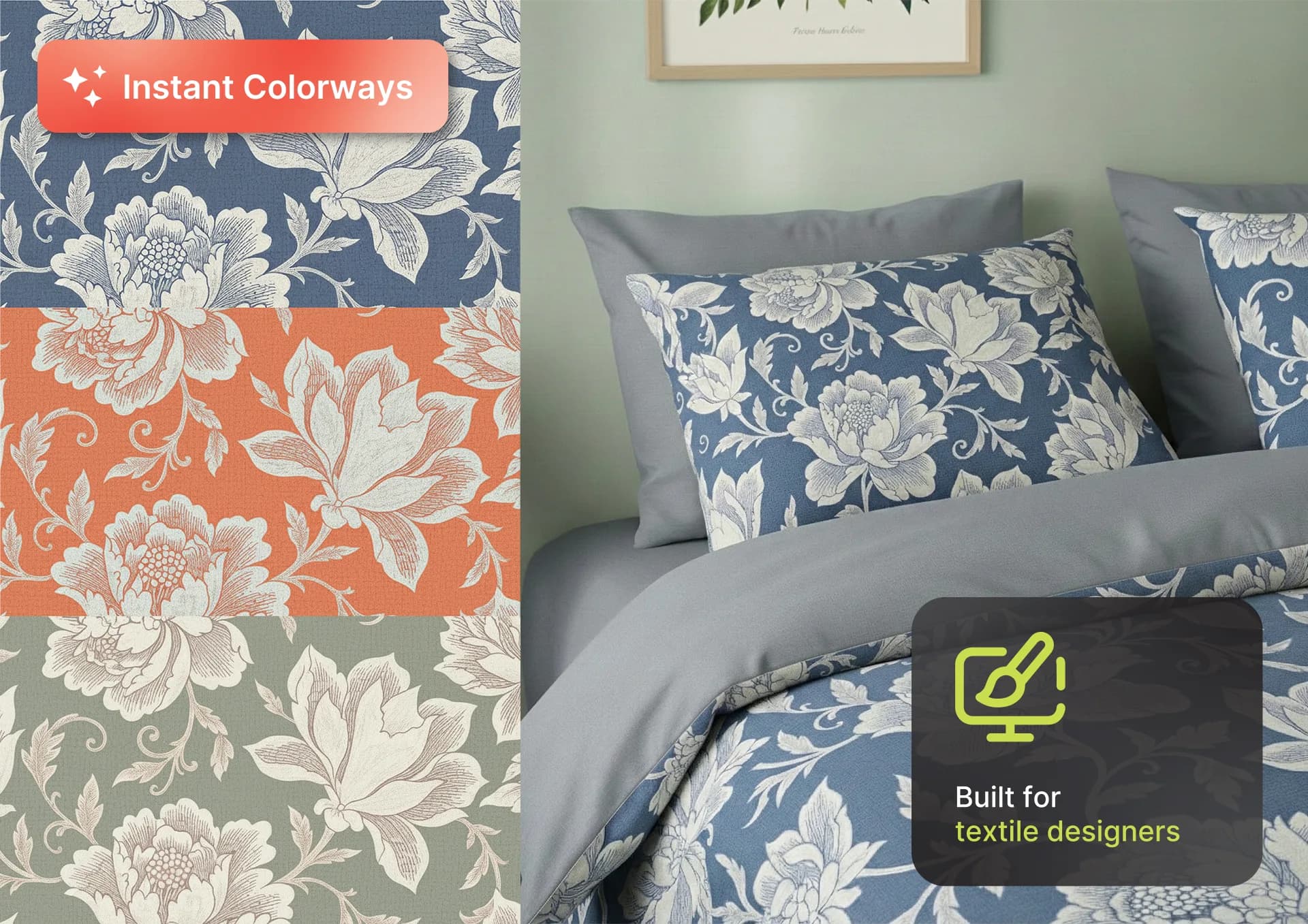
Our AI pattern recoloring tool instantly creates multiple fresh colorways from any seamless pattern without disrupting the repeat, making it the fastest way to build seasonal textile collections or respond to client requests. With buyers often expecting 4 to 8 colorways per design, faster colorway creation helps reduce production risk, improve approval speed, and give your team a stronger speed-to-market advantage.
How to Recolor a Pattern Online
Upload your seamless pattern tile
Upload a square repeat tile created in PatternedAI or extracted from a photo, or from design software like Adobe Illustrator and Adobe Photoshop
Choose a recoloring mode
Select Auto, Palette, or Describe mode to instantly explore AI-generated colorways or take full creative control
Adjust and refine colors
Fine-tune HEX values, start from a palette you imported from Adobe or Procreate, reassign colors to specific pattern elements, or refine your text prompt until the palette matches your vision
Three Recoloring Modes
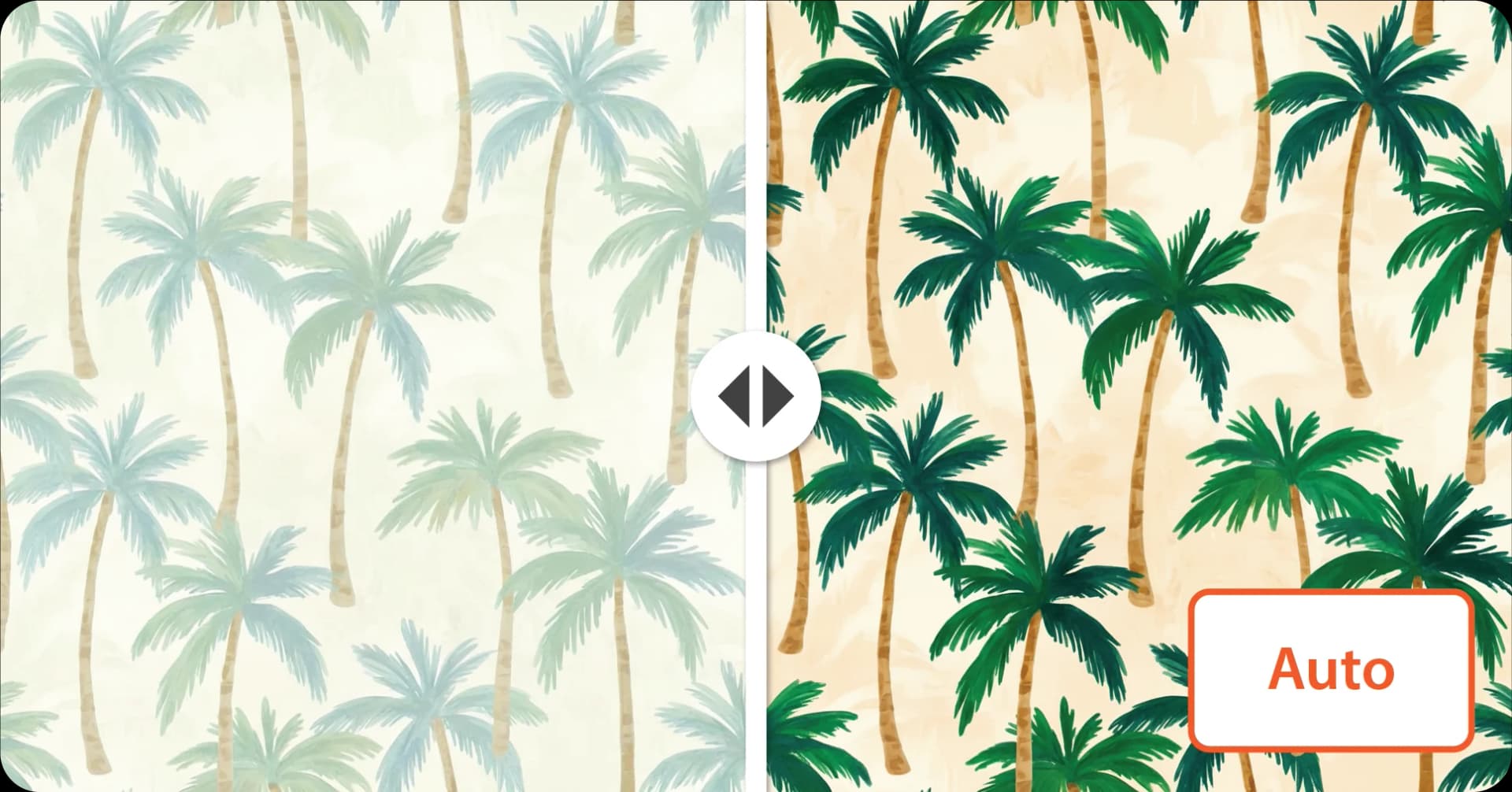
Auto Mode: Generate AI Pattern Colorways Instantly
Create up to 4 balanced AI-generated colorway variations in one click, perfect for exploring fresh print and textile design directions while preserving pattern harmony.
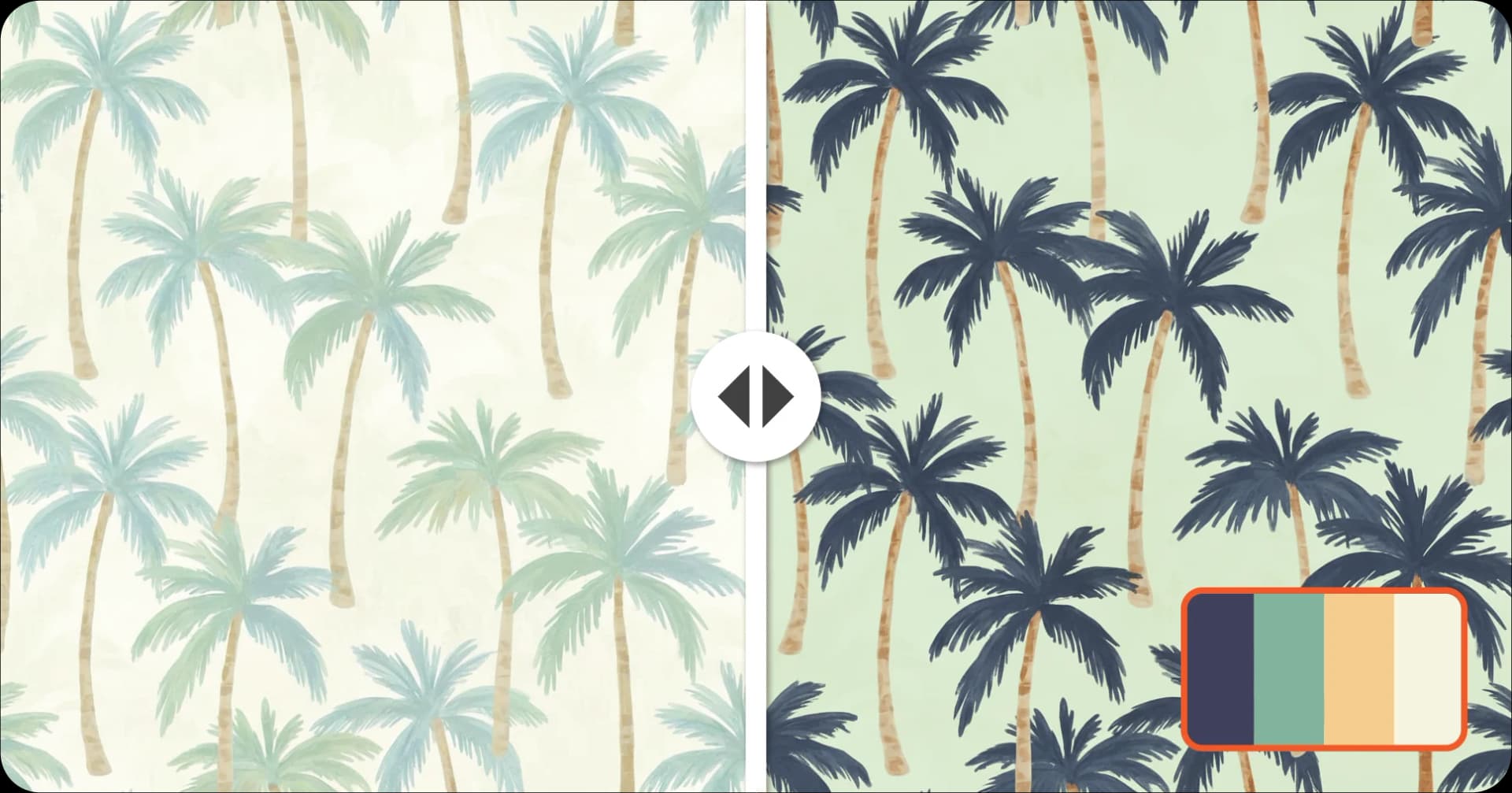
Palette Mode: Recolor Prints with Exact Custom Palettes
Upload your pattern and replace existing colors using curated presets, exact HEX codes, or palettes you import from Adobe (.ase/.aco), GIMP, Sketch and Procreate files, for production-ready surface and fabric design workflows.
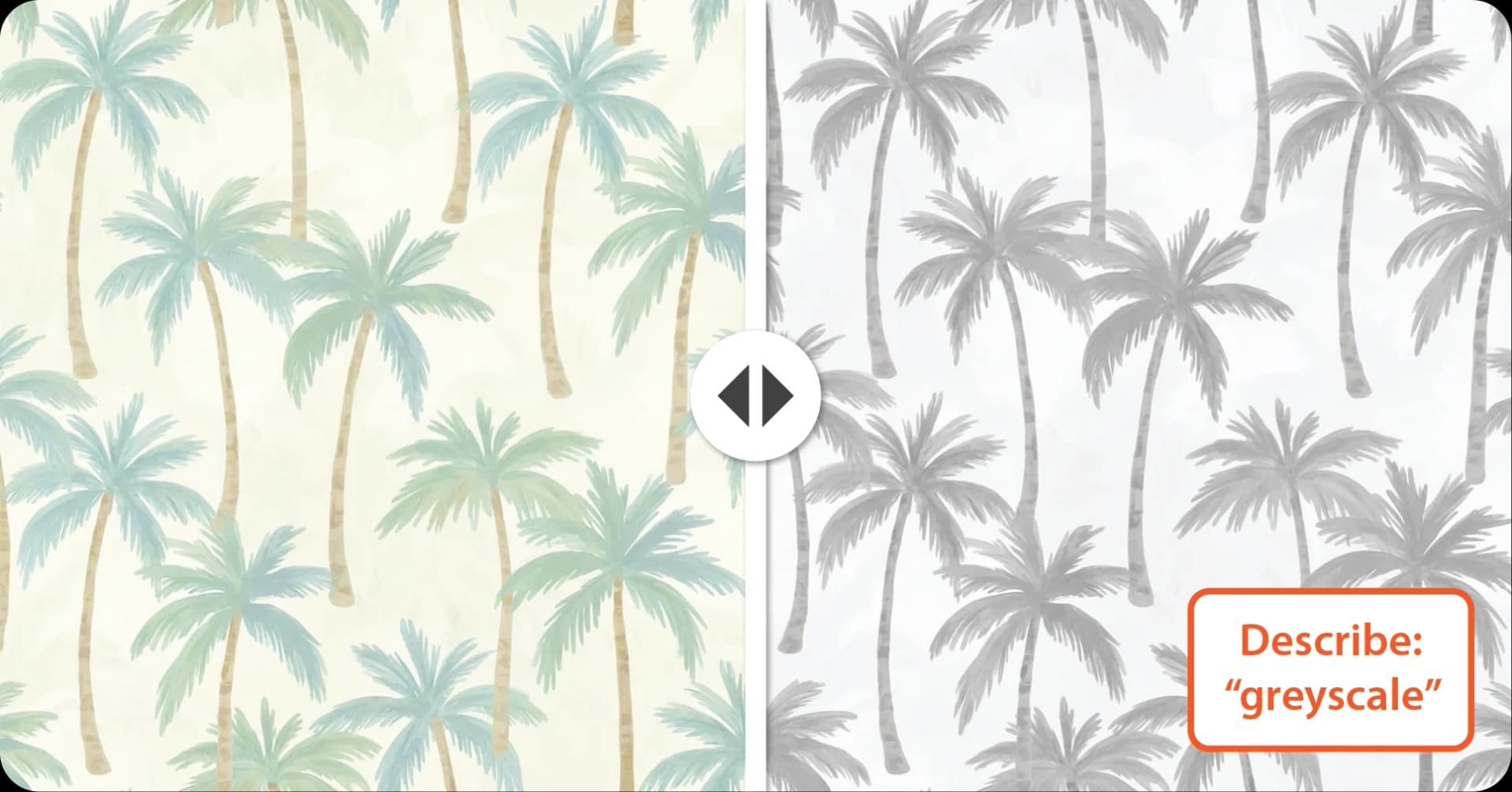
Describe Mode: Turn Color Prompts into Smart Pattern Recolors
Describe your ideal palette in simple words like "navy and gold" or "warm autumn tones," and let AI intelligently recolor your pattern while keeping the composition visually balanced.
FAQ
Related Tools
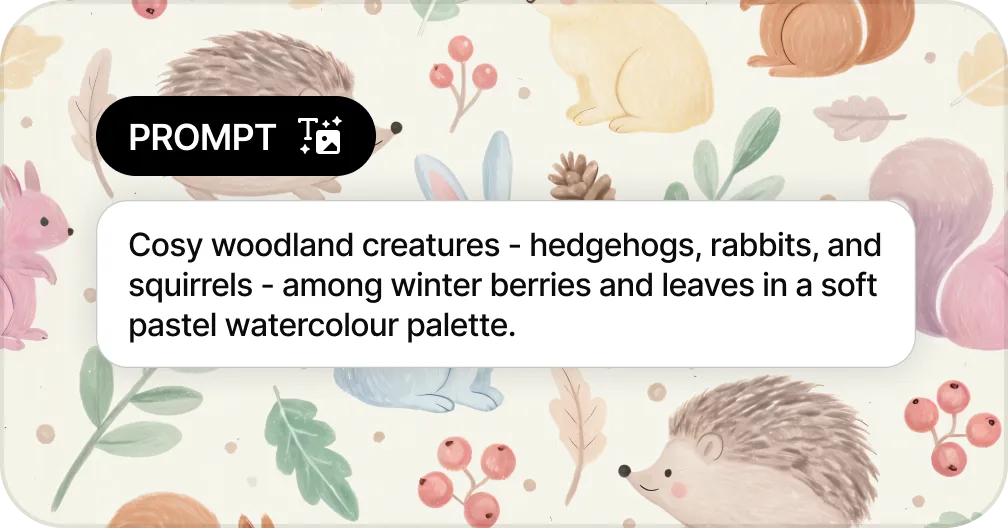
Generate Patterns from Text
Create seamless patterns from a text prompt in seconds
Generate a Pattern from Text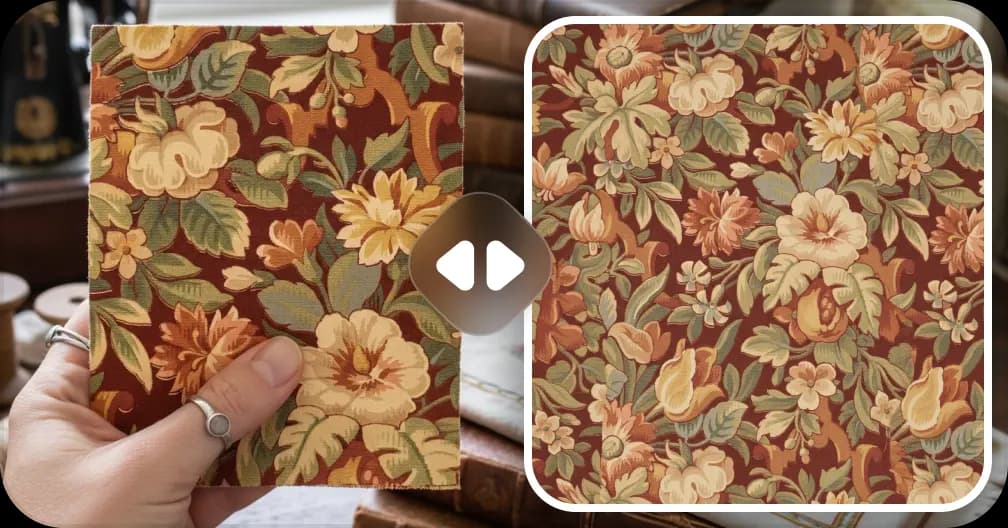
Extract Patterns from Images
Turn any fabric photo or sketch into a seamless repeat
Create a Pattern From Image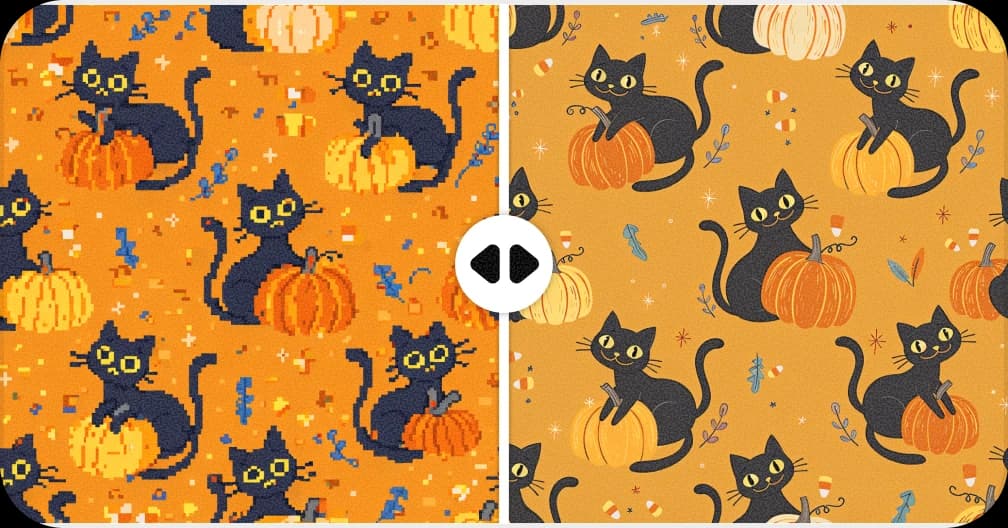
Upscale for Print
Increase resolution up to 8,200px for fabric and wallpaper production
Upscale a Pattern to 300 DPI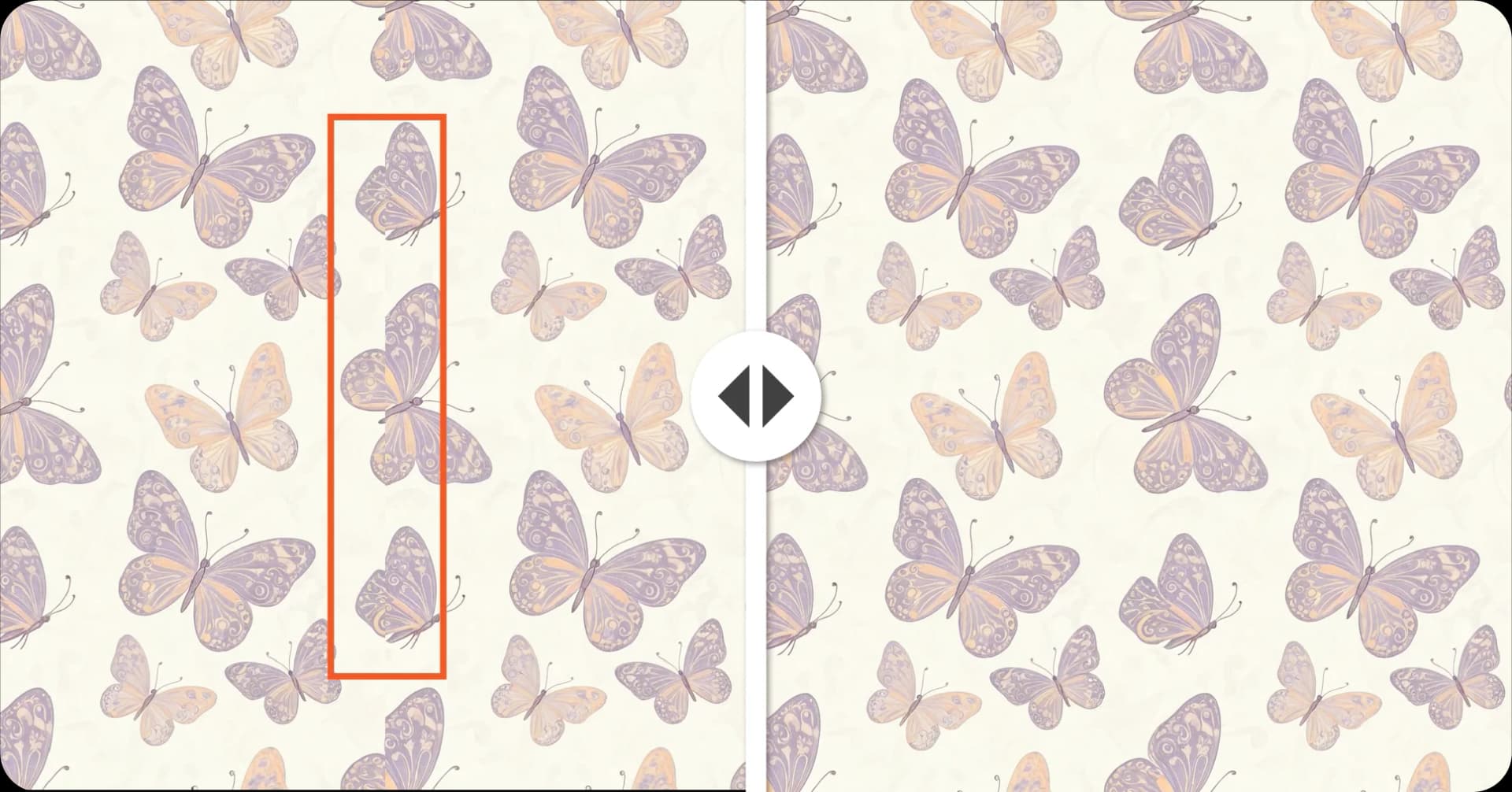
Fix Broken Repeats
Repair seams and misaligned edges automatically with AI
Fix a Pattern Repeat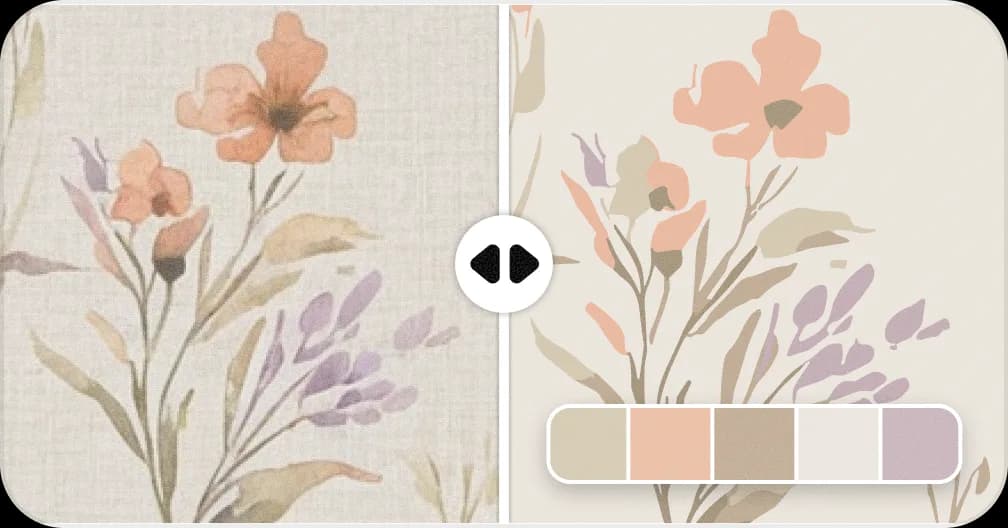
Convert Patterns to Vector
Convert to SVG with separated color layers for screen printing
Vectorise a PatternReady to Recolor Your Pattern?
Upload any pattern and get beautiful color variations in seconds.
Recolor Your Pattern!